
Suggested tools for you
Quick Trust Line
- Tools reviewed
- 100
- Last checked
- July 31, 2026
- Reviewed by
- top100.ai software rankings editor
- What we checked
- Our rankings combine feature depth, audience fit, and market signals, but you should always verify live pricing and plan limits with the vendor.
Finding the top free image editor is less about collecting the biggest feature list and more about matching the workflow to the right kind of editor. We compared 100 tools and shortlisted 10 leaders across browser-based photo editing, AI background removal, portrait retouching, ecommerce imagery, collages, and graphic design. The result is a practical leaderboard for anyone comparing the top image editing software without committing to a paid plan first.
Start here
Best overall: Pixlr combines online photo editing, AI image generation, and design tools in one accessible workspace.
Best for AI-first editing: Fotor puts AI editing, background removal, photo generation, and unblurring in one toolbox.
Best for a focused free workflow: EzRemove is the clearest choice when the job is removing an image background and creating a transparent result.
At-a-glance leaderboard
| Rank | Tool | Best for | Score | Monthly visits | Standout capability |
|---|---|---|---|---|---|
| #1 | Pixlr | Photographers | 93/100 | 9.6M | Online photo editing |
| #2 | Fotor | Social media managers | 93/100 | 8.0M | AI-powered photo editing |
| #3 | EzRemove | Designers | 93/100 | 4.0M | Automatic background removal |
| #4 | SnapEdit | Photographers | 93/100 | 1.4M | AI object removal |
| #5 | PicWish | Ecommerce businesses | 93/100 | 3.6M | Background removal and enhancement |
| #6 | Airbrush Studio | Photographers | 93/100 | 3.3M | Portrait retouching |
| #7 | BeFunky | Photographers | 93/100 | 2.2M | Photo editing and collages |
| #8 | Pixelied | Marketers | 93/100 | 555.3K | Templates and AI image tools |
| #9 | insMind | Ecommerce businesses | 93/100 | 784.5K | AI generation and enhancement |
| #10 | PhotoGrid | Social media marketers | 93/100 | 1.2M | Collages and templates |
Quick filters
| Need | Start with | Why it fits |
|---|---|---|
| Broad online editing | Pixlr | Photo editing, AI image generation, and design tools |
| Remove backgrounds | EzRemove | A focused automatic background-removal workflow |
| Ecommerce product imagery | PicWish | Background removal, unblurring, and AI enhancement |
| Social content and layouts | PhotoGrid | Collages, AI editing, and more than 20,000 templates |
How to narrow the list
Start with the output, not the brand name. A photographer may need a general browser editor, while an ecommerce team may care more about clean cutouts and product-photo enhancement. Social teams usually benefit from templates and repeatable layouts; designers may prefer a tool that handles one specific task quickly and consistently.
Free access also needs a closer look. Some tools offer a genuinely free tier, while others use credits, daily download limits, trials, or premium gates. Those distinctions matter if you edit occasionally versus processing a steady stream of images. Check whether the free allowance covers the export quality and volume you actually need.
Finally, consider friction. A tool that makes one task obvious can beat a broader editor with a crowded interface. The leaderboard below weighs breadth, fit, free access, and usage signal together rather than treating every image editor as interchangeable.
Ranking model
| Factor | What we assessed | Weight |
|---|---|---|
| Feature depth | Editing, AI tools, removal, enhancement, templates, or collages | 30% |
| Free-use value | Clarity and usefulness of free plans, trials, credits, or quotas | 25% |
| Audience fit | How directly the workflow serves the stated best-for audience | 25% |
| Market signal | Monthly visits and broader product traction | 20% |
Scores are comparative editorial scores, not a promise that every tool will suit every project. Free-plan restrictions and vendor pricing can change, so confirm current limits before building a production workflow around any editor.
The 10 leading free image editors in 2026

- Photographers
- Free photo editing, AI generation, and design tools
- Starts at Plus: $2.49 per month
- Monthly visits: 9.6M
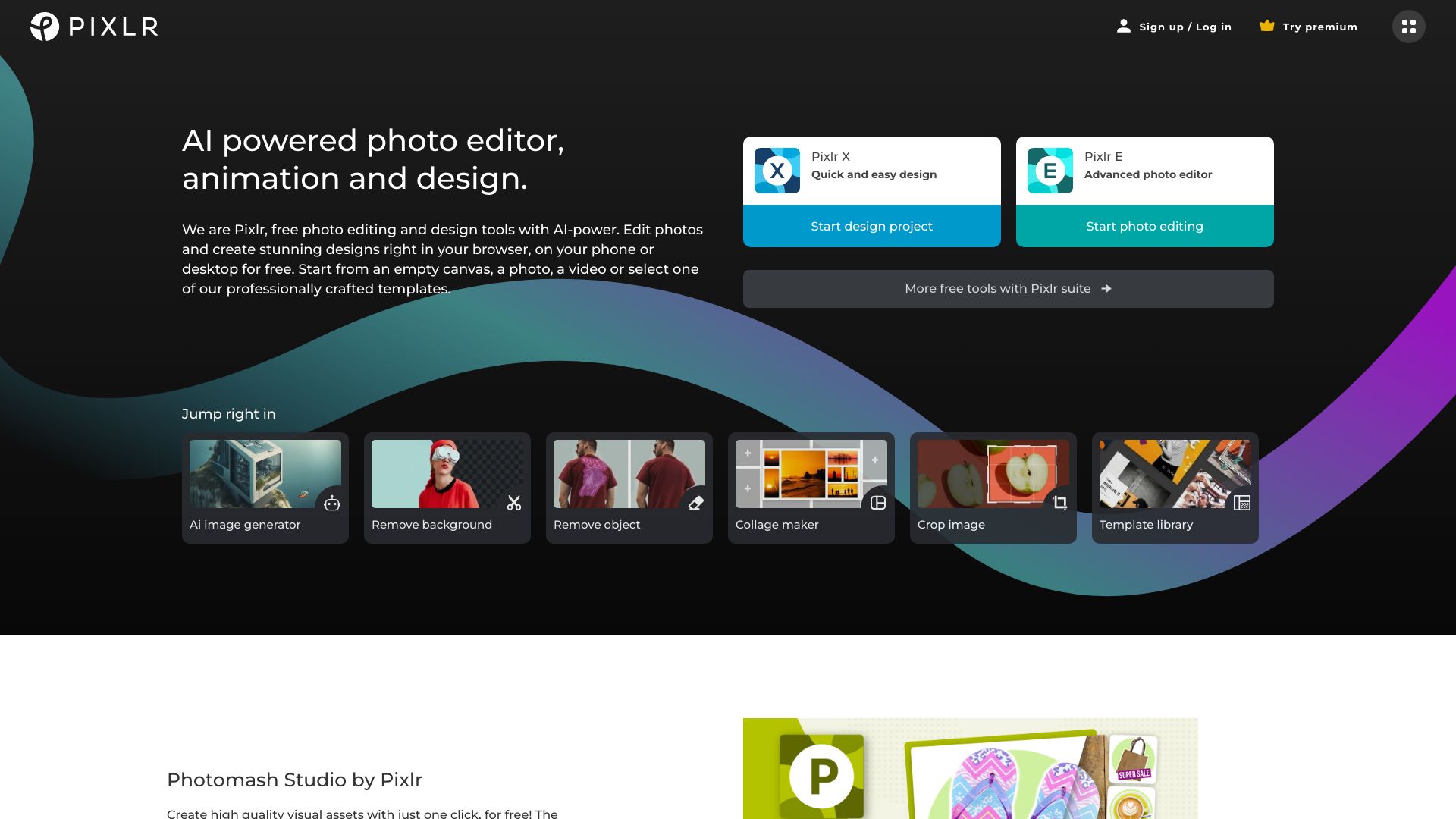
Pixlr earns the top spot because it covers the broadest everyday workflow in this group without forcing users into a narrowly defined editing style. Its browser-based photo editing sits alongside AI image generation and design tools, making it useful for both straightforward image cleanup and more creative production.
Why it is top-ranked
| Dimension | Assessment |
|---|---|
| Breadth | Online photo editing, AI image generation, and design tools |
| Accessibility | Cloud-based workflow suited to consumers and companies |
| Free value | Free options are available before upgrading |
| Market signal | 9.6M monthly visits, the strongest traffic signal in this shortlist |
Best fit
Photographers who want an accessible online editor.
Consumers and companies mixing photo edits with simple design work.
Users who want AI image generation near their editing workflow.
Limitations
Some features require a premium subscription.
Users seeking a single-purpose background remover may find the wider toolbox unnecessary.
Shortlist Pixlr if: You want the most balanced starting point for online photo editing, AI generation, and design.
- Social media managers
- Free background removal, photo generation, and unblurring
- Starts at Check vendor pricing
- Monthly visits: 8.0M
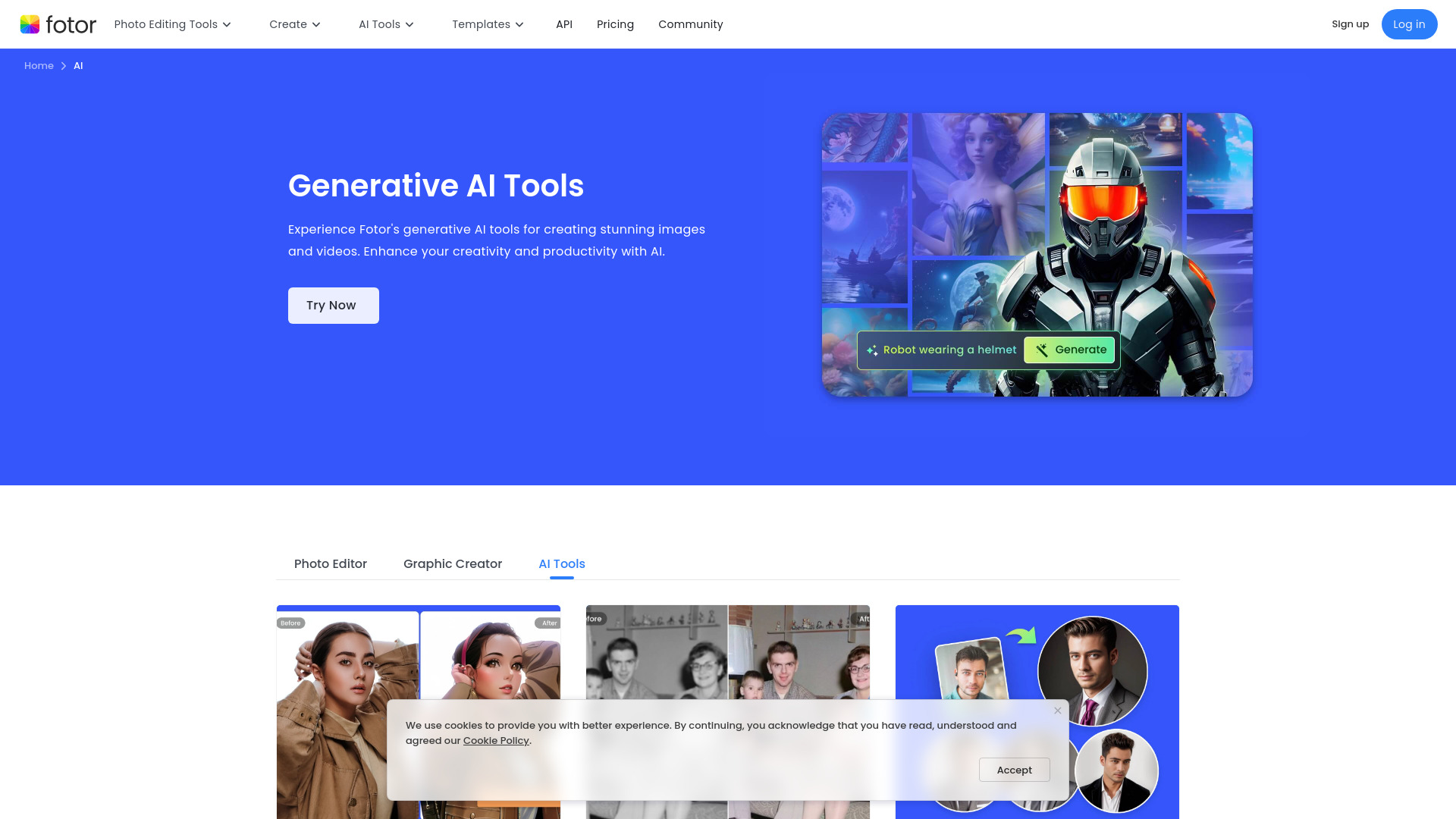
Fotor is built around the idea that common image jobs should live in one place. Its AI-powered photo editing tools cover background removal, photo generation, and unblurring, which gives social media managers a practical range of options without stitching several specialist tools together.
Why it is top-ranked
The feature set is unusually concentrated around AI photo editing rather than only manual adjustments.
Free access includes several concrete workflows, including removal, generation, and unblurring.
Its 8M monthly visits indicate substantial demand for this style of editor.
Best fit
Social media managers producing varied visual content.
Users who want AI assistance for routine image fixes.
Editors who need background removal and image generation in the same toolbox.
Limitations
Free features may have limitations.
Pricing is not presented as a clean starting point, so verify the current paid plan before upgrading.
Shortlist Fotor if: You want an AI-first editor for recurring social content and quick image fixes.

- Designers
- Free automatic background removal and transparent backgrounds
- Starts at Check vendor pricing
- Monthly visits: 4.0M
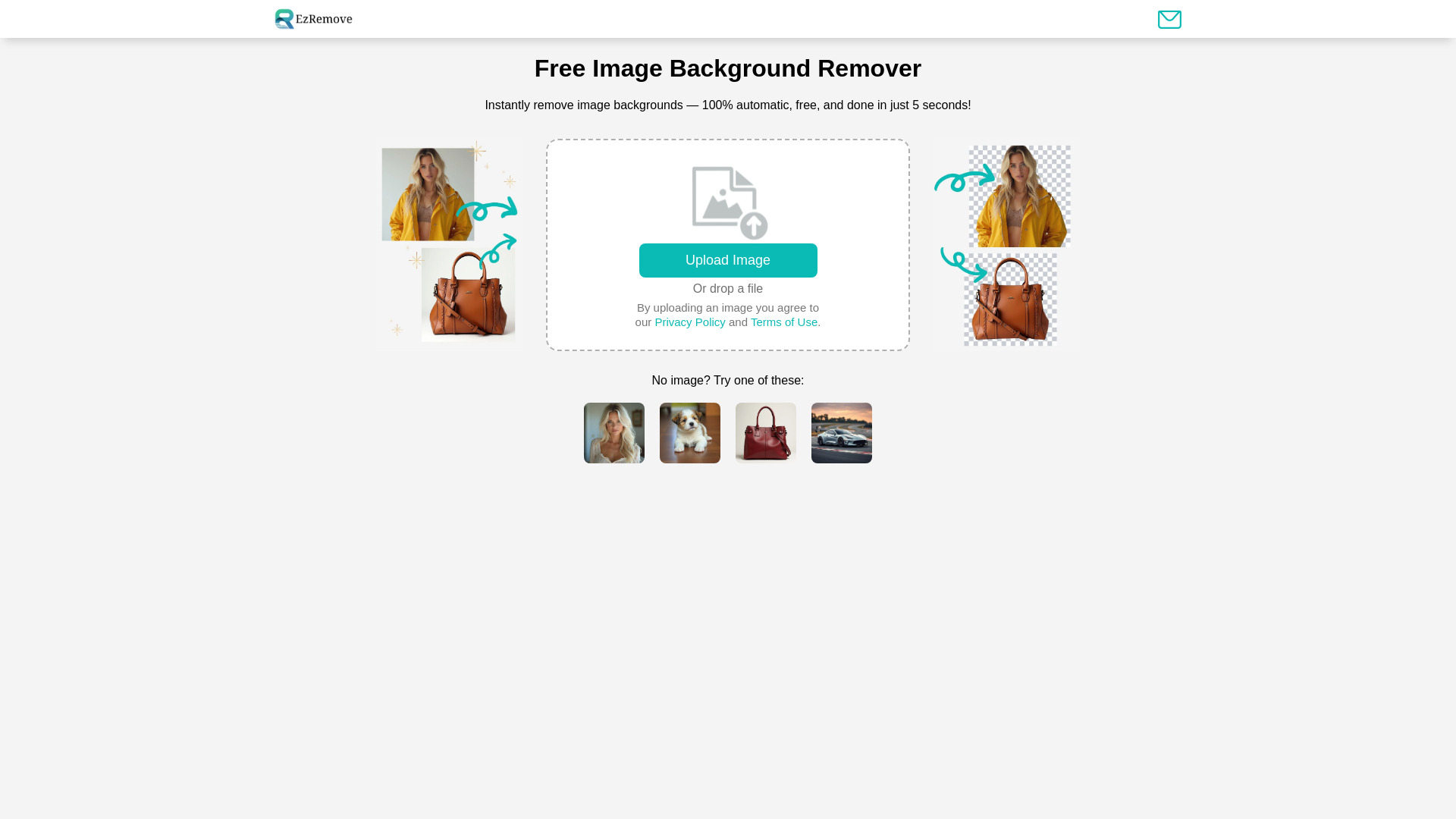
When the brief is simply "remove the background," EzRemove is refreshingly direct. Its AI-powered automatic background removal creates transparent backgrounds in seconds, so designers can move quickly from an uploaded image to a usable asset without navigating a full creative suite.
Why it is top-ranked
The product angle is clear: automatic background removal and transparent output.
Free access maps directly to the core workflow rather than offering only a limited preview.
A 4M monthly visit signal suggests the focused experience has meaningful appeal.
Best fit
Designers preparing isolated subjects for layouts.
Users creating transparent assets quickly.
Anyone who does not need a broad photo-editing workspace.
Limitations
Bulk-upload customization may be limited.
It is a less natural choice for users who need a general-purpose photo editor.
Shortlist EzRemove if: Background removal is your main job and speed matters more than a large editing canvas.

- Photographers
- 10 credits per month for object and background removal
- Starts at Free: $0
- Monthly visits: 1.4M
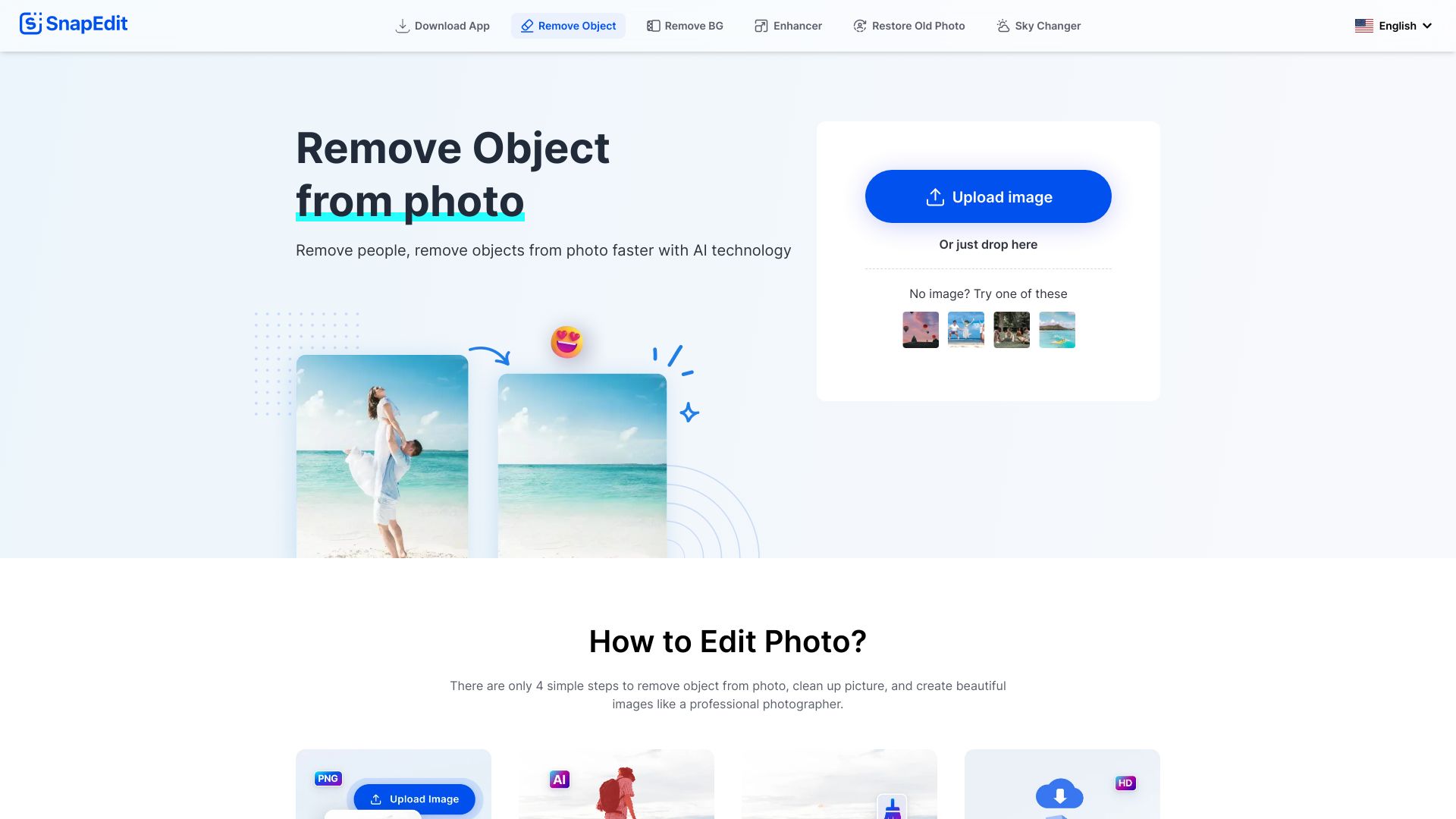
SnapEdit focuses on the edits that often take disproportionate manual effort: removing objects, removing people, and cutting out backgrounds. Its simple interface is a meaningful advantage for photographers who want a quick cleanup tool rather than a complicated editor.
Best fit
Photographers removing unwanted objects or people.
Beginners who value a simple interface.
Users who can work within a 10-credit monthly allowance.
Limitations
The free plan has limited AI features.
Free access is credit-based, which may not suit frequent batch work.
Shortlist SnapEdit if: You need easy object removal and can keep monthly editing volume modest.

- Ecommerce businesses
- 10 downloads per day for removal, unblurring, and AI editing
- Starts at Free Plan: Free
- Monthly visits: 3.6M
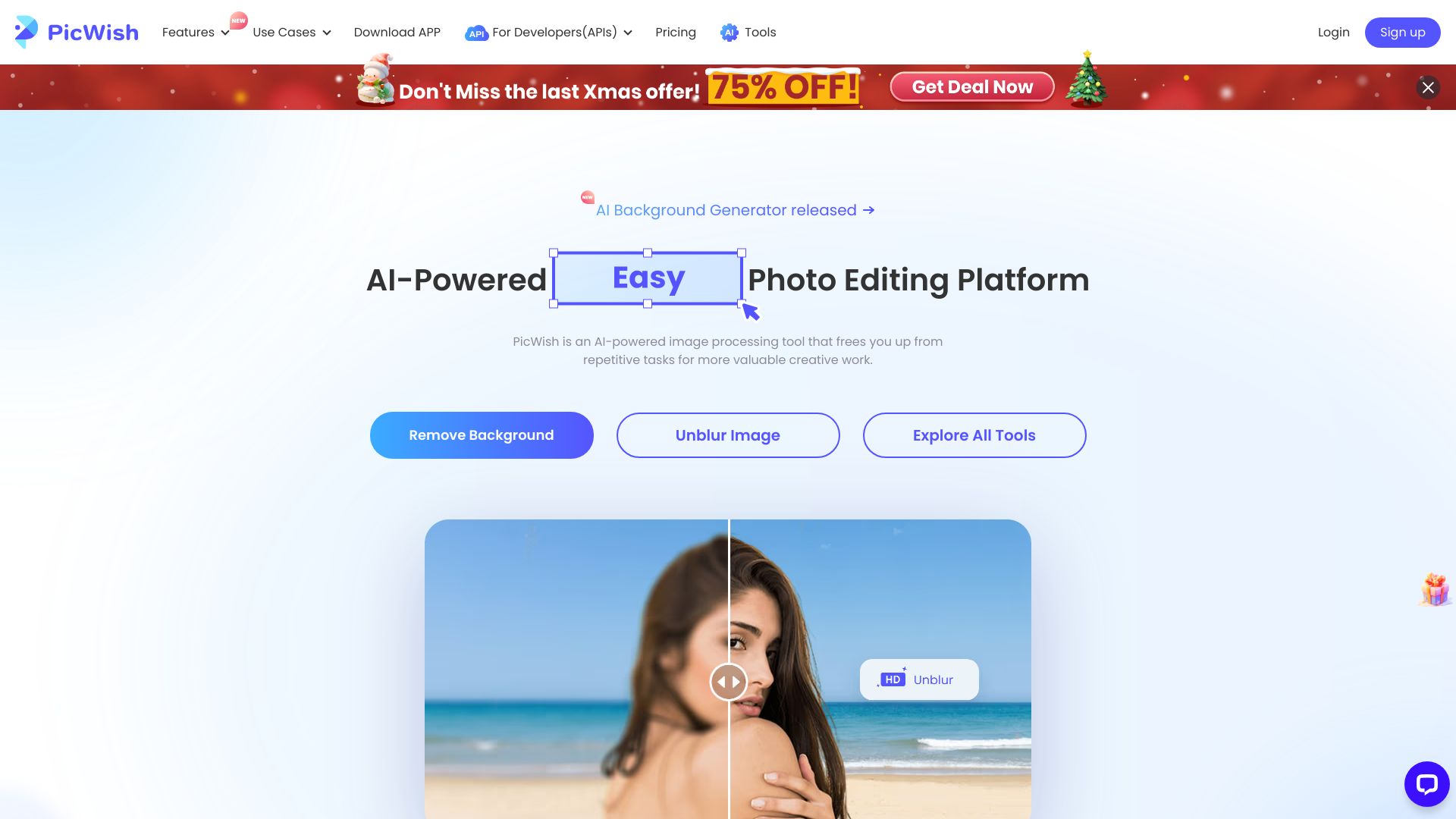
PicWish makes the strongest ecommerce case in the top five. AI background removal and image enhancement address two frequent product-content bottlenecks, while the free allowance of 10 downloads per day gives occasional sellers a concrete way to test the workflow.
Best fit
Ecommerce businesses preparing product images.
Sellers who need background removal and image enhancement together.
Users who can work within daily download limits.
Limitations
The free plan limits HD downloads.
A 10-download daily allowance may be too restrictive for a large catalog.
Shortlist PicWish if: You need a user-friendly starting point for product cutouts and image enhancement.

- Photographers
- 7-day trial for portrait retouching and batch edits
- Starts at Free: $0/month
- Monthly visits: 3.3M
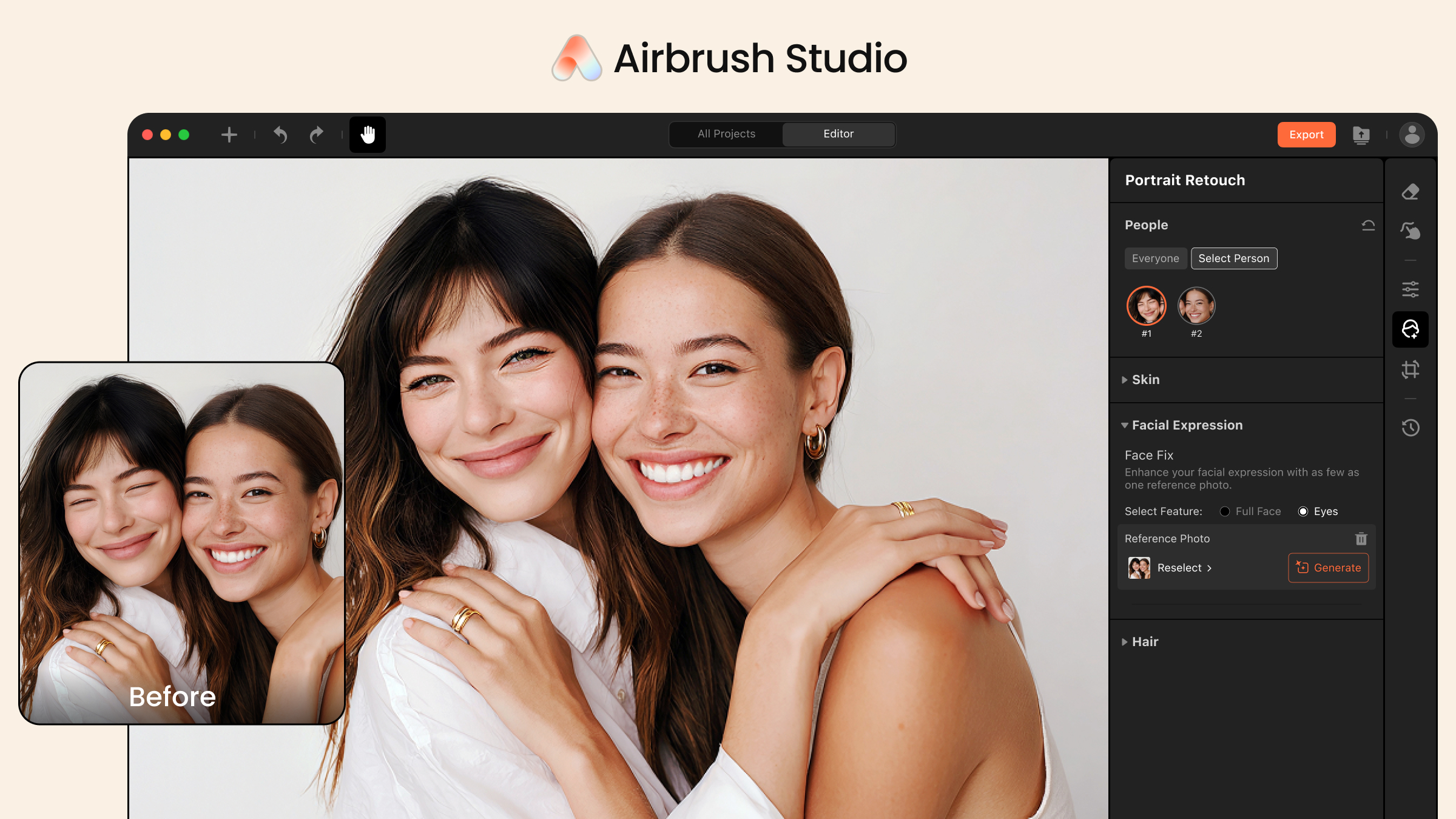
Airbrush Studio is the specialist pick for portrait work. High-quality skin retouching and the ability to open closed eyes in group photos target the small imperfections that can otherwise send photographers into a longer manual-editing process. Its interface is described as intuitive for beginners, too.
Best fit
Photographers editing portraits and group photos.
Beginners who want an approachable retouching workflow.
Users who can evaluate the product during a seven-day free trial.
Limitations
It currently supports English only.
The free access is a trial rather than an unlimited free plan.
Shortlist Airbrush Studio if: Your priority is fast portrait cleanup rather than broad graphic design.

- Photographers
- Free photo editor and collage maker tier
- Starts at Check vendor pricing
- Monthly visits: 2.2M
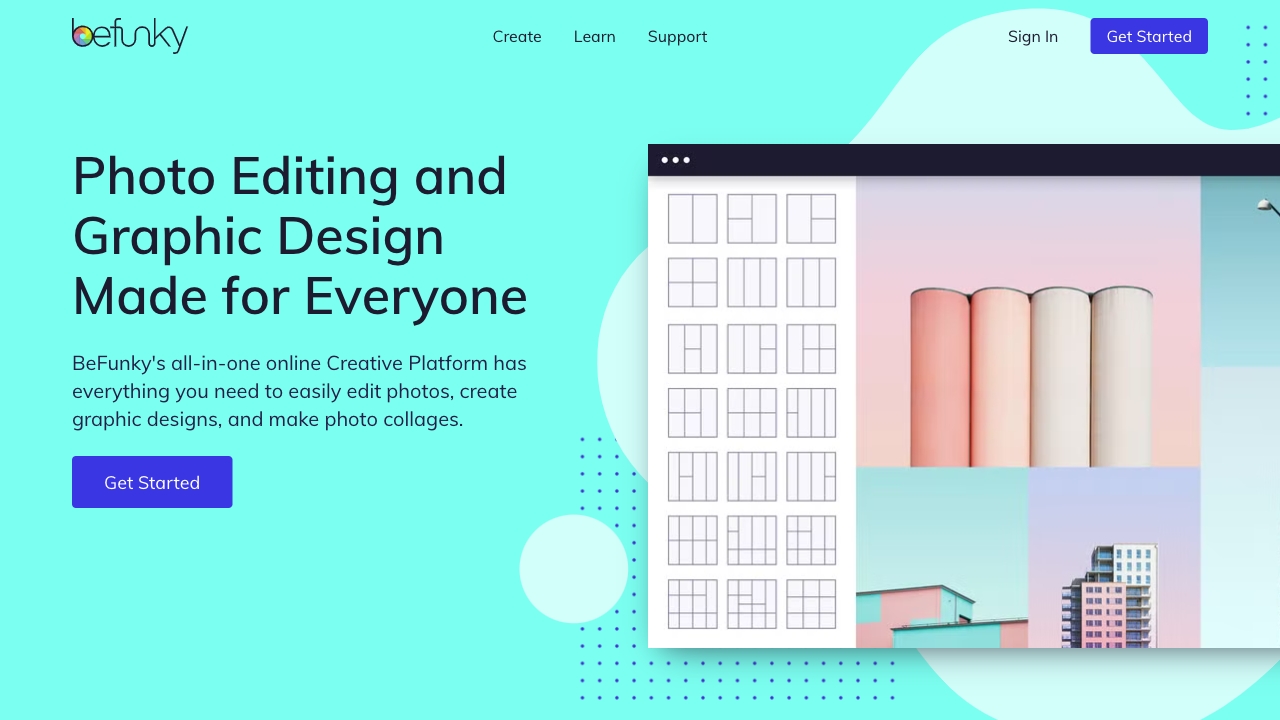
BeFunky broadens the definition of image editing with a photo editor, collage maker, and graphic designer in one online platform. That combination is useful when an edited photo needs to become a finished social graphic or collage immediately afterward.
Best fit
Photographers who also create collages.
Users combining photo editing with simple graphic design.
People who prefer an all-in-one creative platform.
Limitations
Some features are reserved for the premium BeFunky Plus version.
Its breadth may be unnecessary for a single background-removal task.
Shortlist BeFunky if: You want editing, collages, and basic design in one approachable workspace.

- Marketers
- Free plan with 200+ templates and 2GB storage
- Starts at Free
- Monthly visits: 555.3K
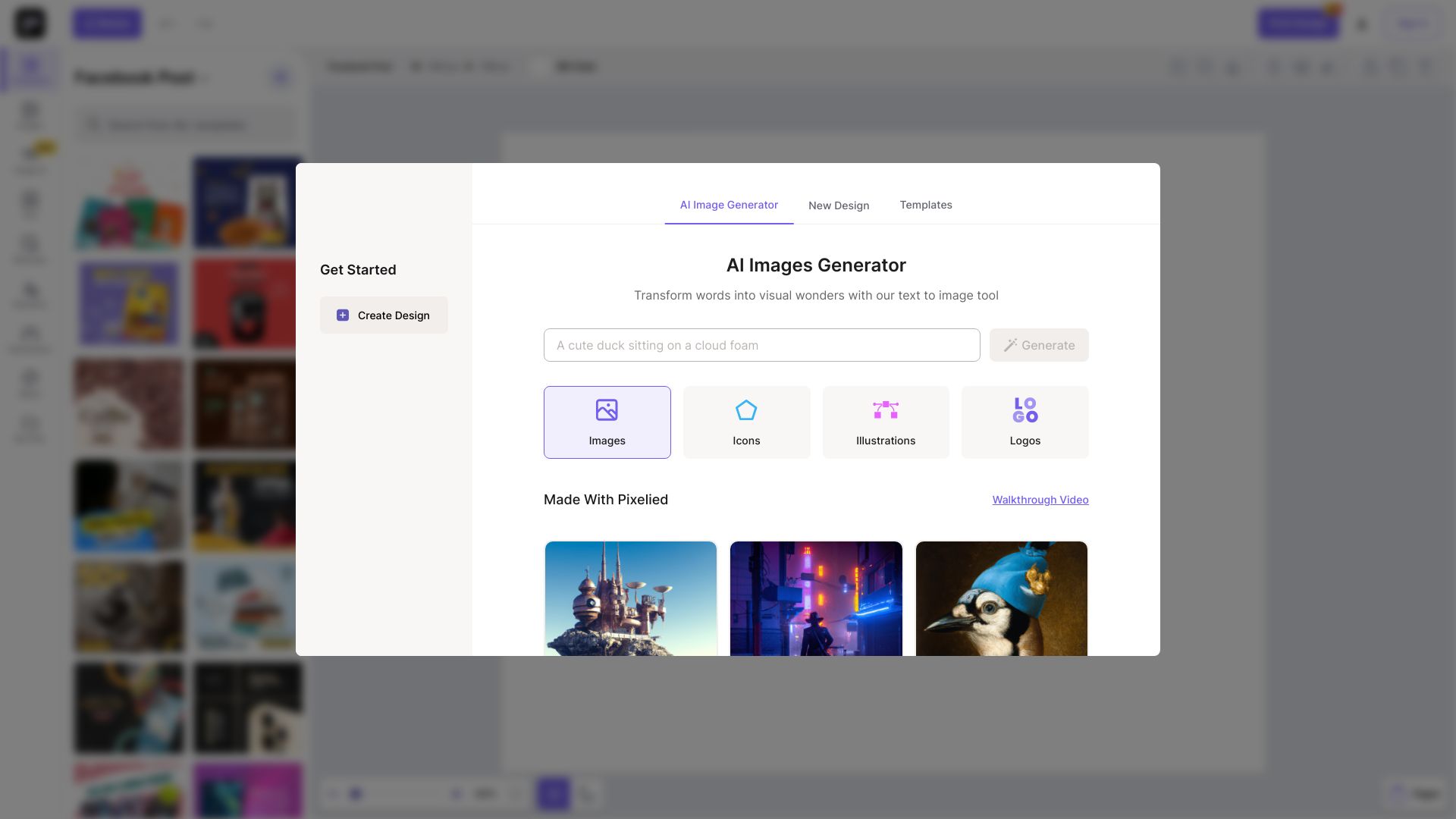
Pixelied is the most marketing-oriented option in this part of the ranking. Its free plan includes more than 200 templates and 2GB of storage, while the broader feature set includes an online photo and graphic editor, AI image generation, and background removal.
Best fit
Marketers producing repeatable visual assets.
Teams that benefit from templates and cloud storage.
Users who want AI generation alongside online editing.
Limitations
Some features may be limited in the free plan.
Its 555.3K monthly visit signal is smaller than the leading general-purpose editors.
Shortlist Pixelied if: Templates and marketing graphics matter as much as the underlying photo edit.

- Ecommerce businesses
- 3-day trial with 10 credits for AI editing tools
- Starts at Free: $0
- Monthly visits: 784.5K
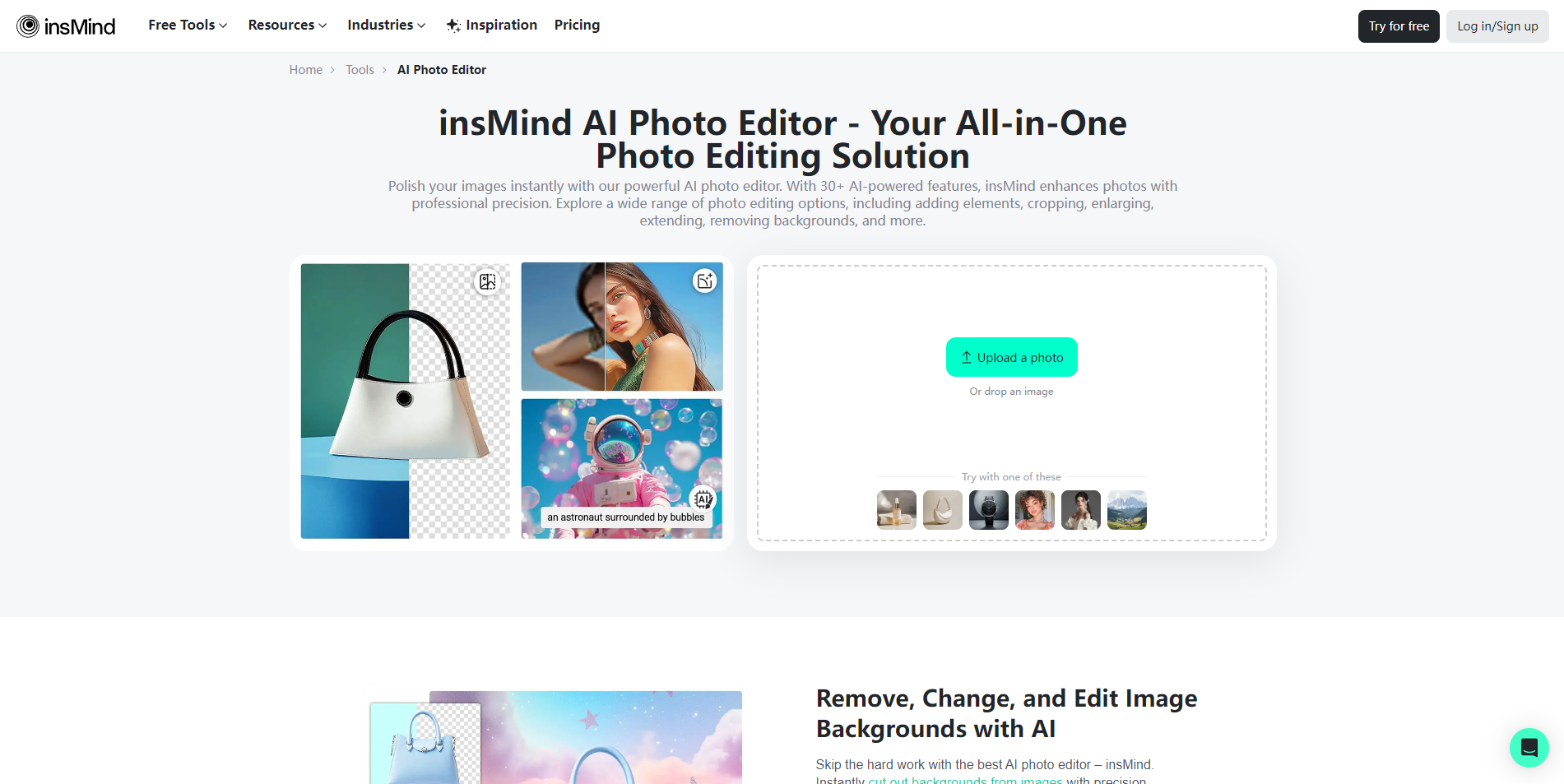
insMind brings AI image generation and enhancement into an online photo editor, with background removal among its listed tools. That makes it an interesting alternative for ecommerce teams that want to create or improve product imagery rather than only isolate an object.
Best fit
Ecommerce businesses experimenting with AI image workflows.
Users who need generation and enhancement as well as removal.
Teams willing to test a three-day trial and 10-credit allowance.
Limitations
Some features may require a Pro subscription.
The free trial is short for teams with a lengthy evaluation process.
Shortlist insMind if: You want ecommerce editing that goes beyond cutouts into AI generation and enhancement.

- Social media marketers
- 10 AI uses and 5 daily product photos
- Starts at Free: 0 /year
- Monthly visits: 1.2M
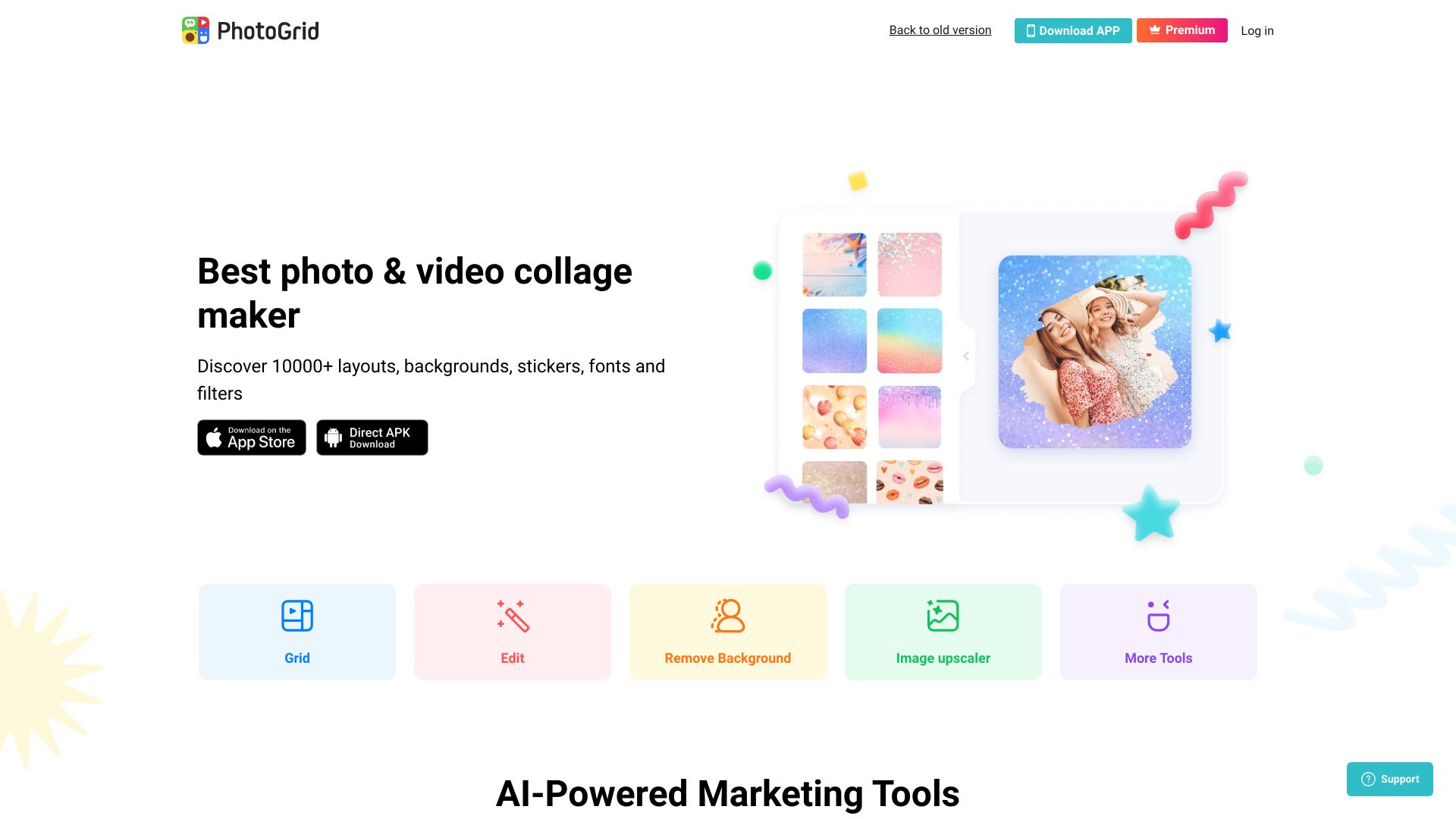
PhotoGrid is the natural choice when the final deliverable is a collage, carousel, or template-led social post. Its library of more than 20,000 templates gives social media marketers plenty of starting points, while AI photo editing tools handle the image side of the workflow.
Best fit
Social media marketers making collages and visual posts.
Users who want a large template library.
Editors who can work within 10 AI tool uses and five daily product photos.
Limitations
Some features are available only in the premium version.
The free allowances may not support high-volume content production.
Shortlist PhotoGrid if: Your image editor needs to lead directly into collage and social layout creation.
More tools to compare

- AI background removal and photo enhancement
- Free plan available
- Starts at Check vendor pricing
- Monthly visits: 357,145 monthly visits
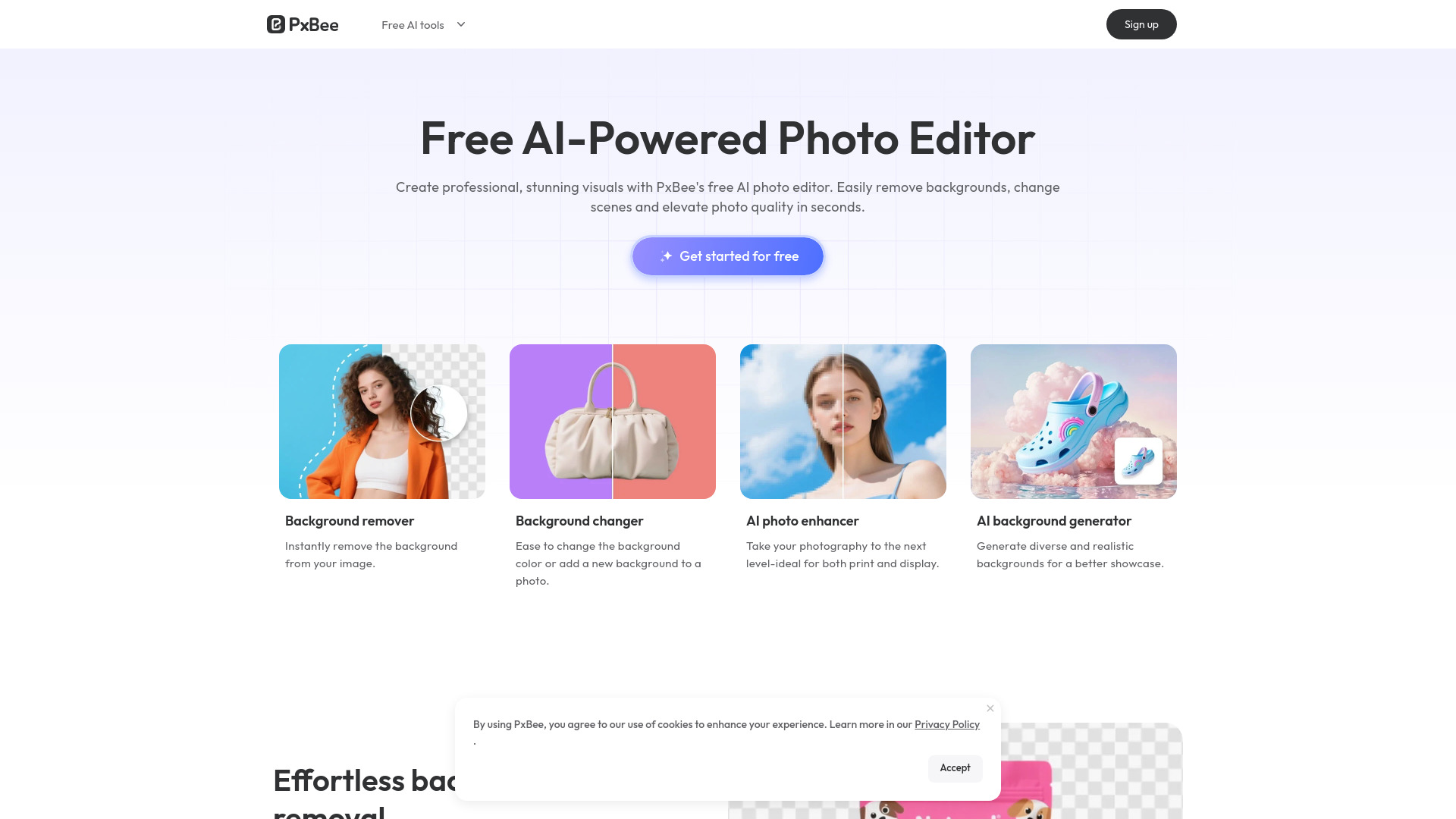

- AI selfie retouching
- 7-day free trial
- Starts at Check vendor pricing
- Monthly visits: 944,174 monthly visits

- Prompt-based photo editing
- Free plan available
- Starts at Check vendor pricing
- Monthly visits: 28,577 monthly visits

- AI-powered product photo editing
- Free plan available
- Starts at Check vendor pricing
- Monthly visits: 465,808 monthly visits

- Free AI photo editing and design templates
- Free plan available
- Starts at Check vendor pricing
- Monthly visits: 422,670 monthly visits

- Free AI background removal
- Free plan available
- Starts at Check vendor pricing
- Monthly visits: 724,244 monthly visits

- Free AI photo editing
- Free plan available
- Starts at Check vendor pricing
- Monthly visits: 826,130 monthly visits
- Ecommerce product photo editing
- Free plan available
- Starts at Check vendor pricing
- Monthly visits: 784,507 monthly visits

- AI-powered photo cleanup and enhancement
- Free edits up to 720px
- Starts at Check vendor pricing
- Monthly visits: 86,900 monthly visits

- Quick AI photo cleanup
- Free plan available
- Starts at Check vendor pricing
- Monthly visits: 437,502 monthly visits

- Prompt-based image transformations
- Free plan available
- Starts at $7.99/month
- Monthly visits: 338,559 monthly visits

- Bulk background removal
- Up to 20 images/batch
- Starts at Check vendor pricing
- Monthly visits: 284,537 monthly visits

- AI image editing and creation
- Free plan available
- Starts at $12/month
- Monthly visits: 48,246 monthly visits

- Quick AI photo editing
- 20 free credits
- Starts at Check vendor pricing
- Monthly visits: 197,448 monthly visits

- AI image editing with accurate text
- Free plan available
- Starts at $9/month
- Monthly visits: 245,279 monthly visits
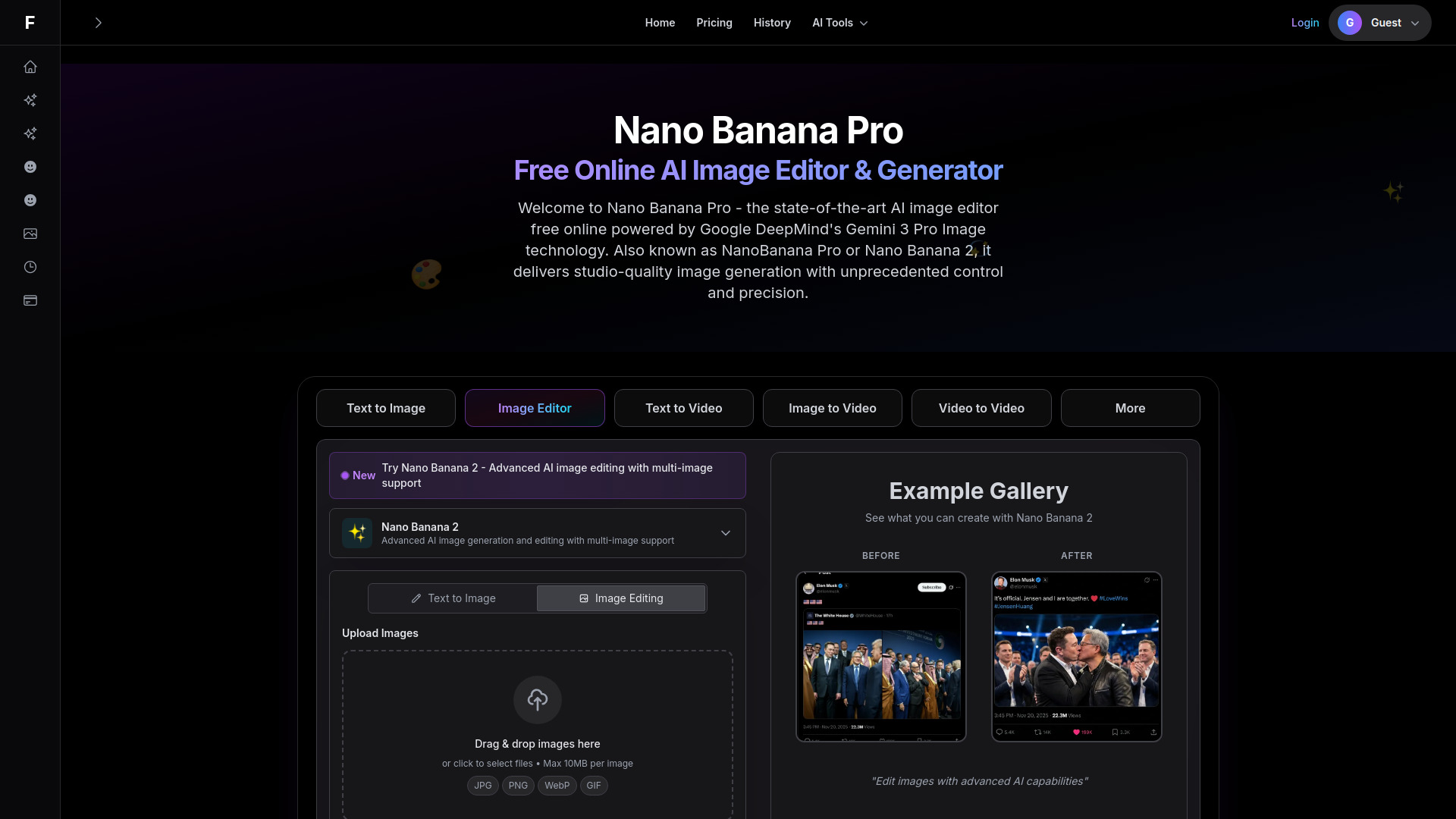

- Prompt-based photo editing
- Free plan available
- Starts at From $7.99/month
- Monthly visits: 74,079 monthly visits
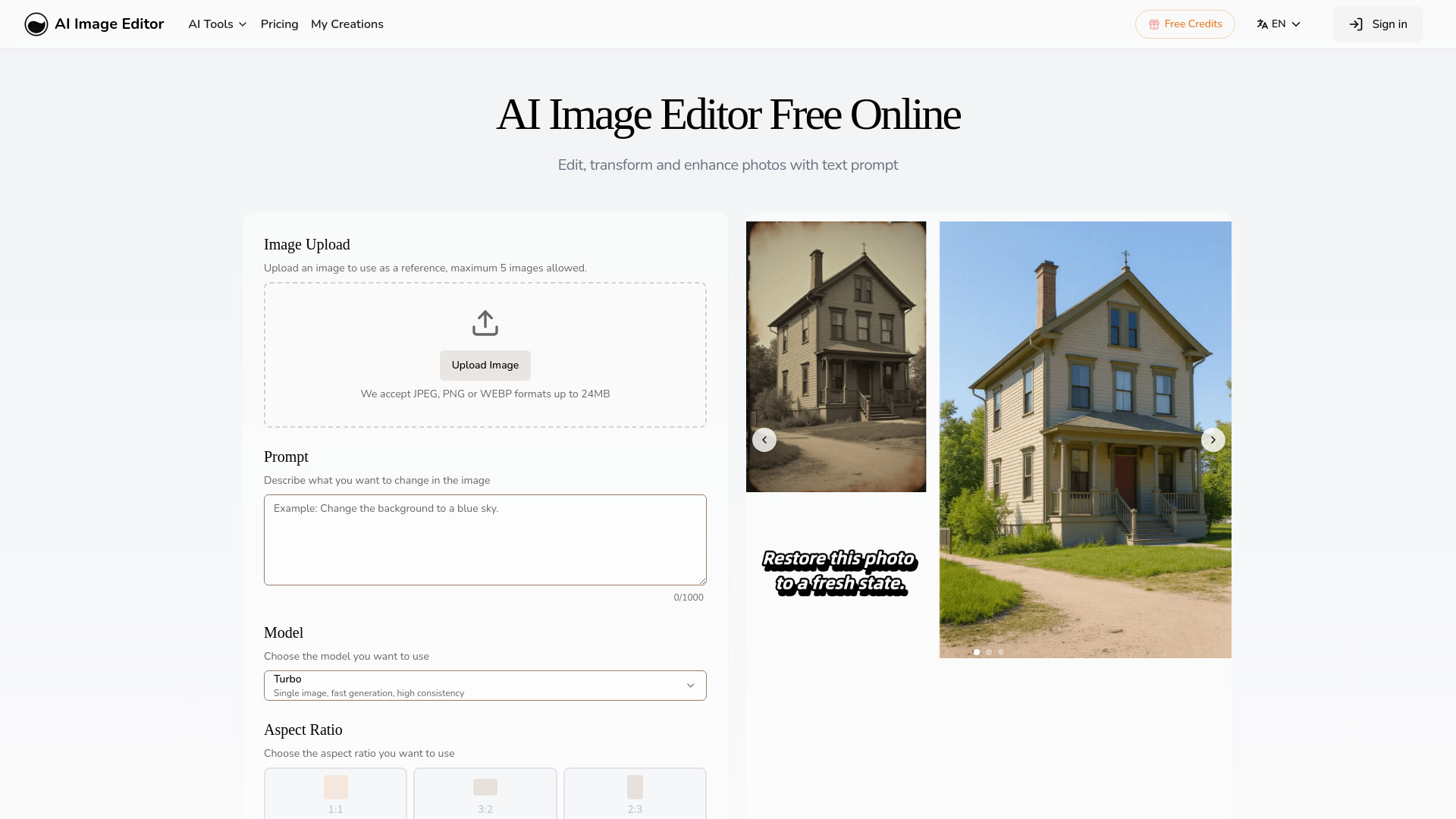

- Quick AI photo editing and enhancement
- Free plan available
- Starts at Check vendor pricing
- Monthly visits: 105,767 monthly visits
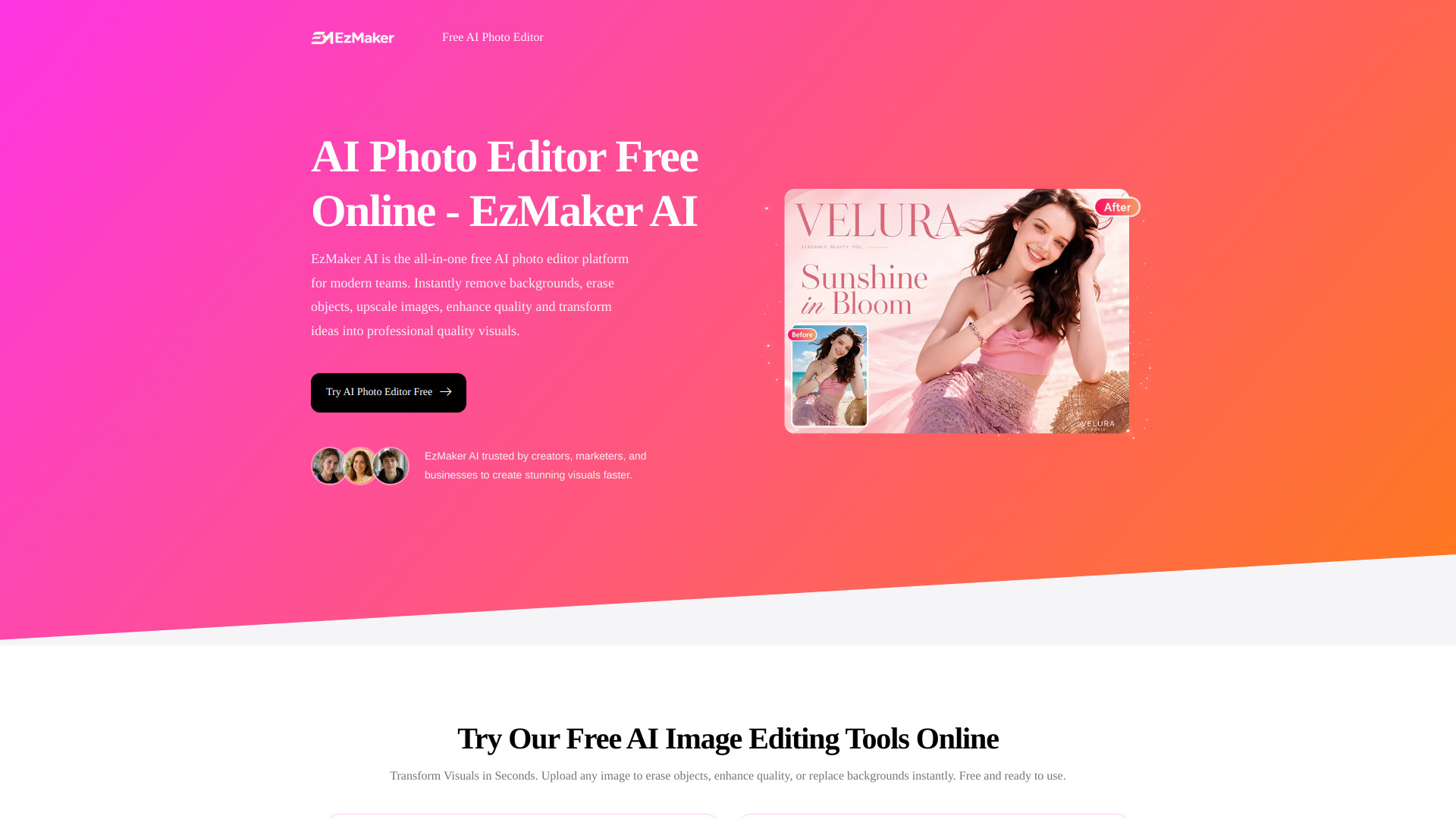

- AI background removal and batch photo editing
- 5 free credits daily
- Starts at From €12.99/month
- Monthly visits: 177,831 monthly visits
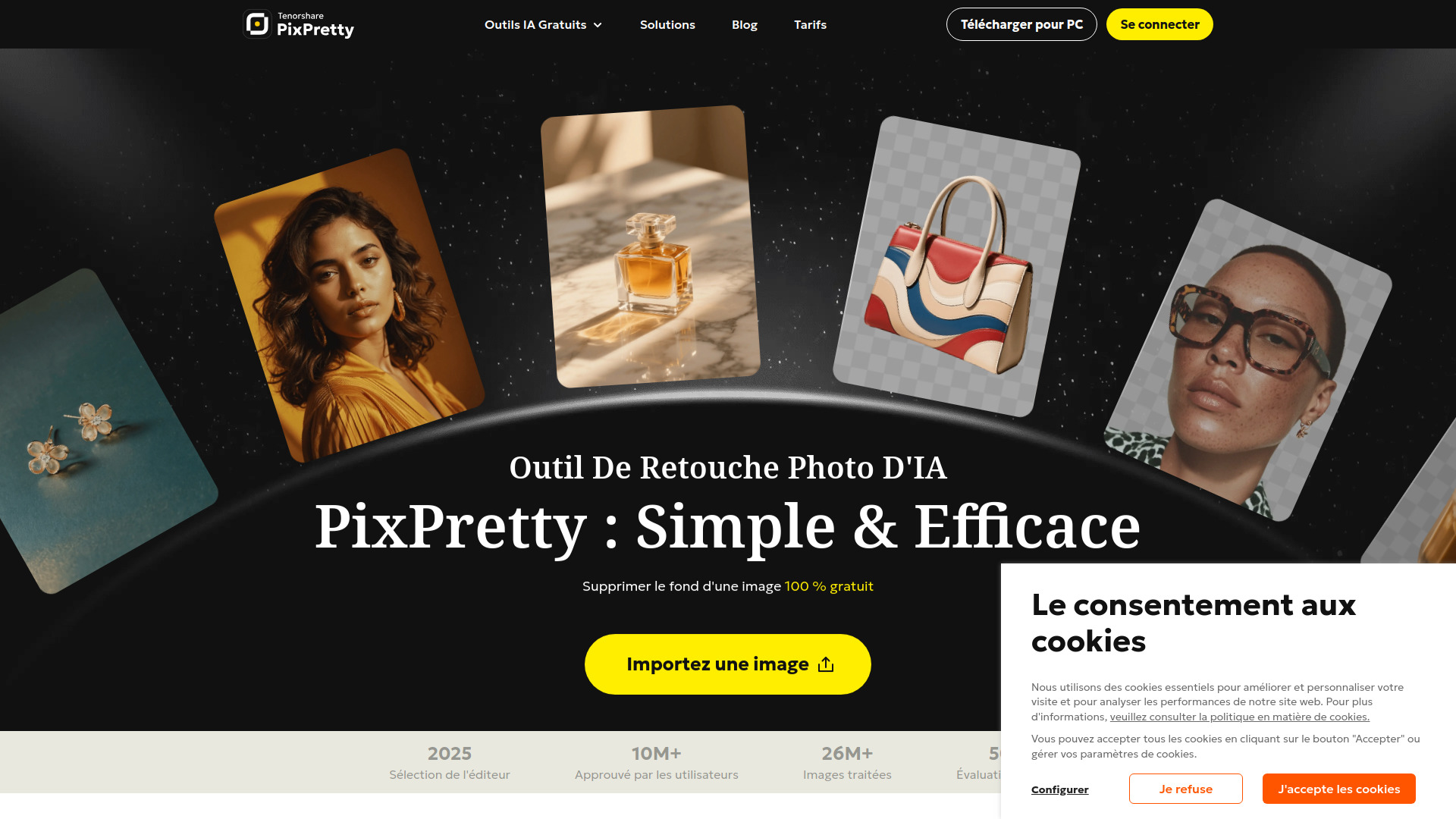

- Prompt-based photo editing
- 30 free welcome credits
- Starts at $9.99
- Monthly visits: 27,479 monthly visits
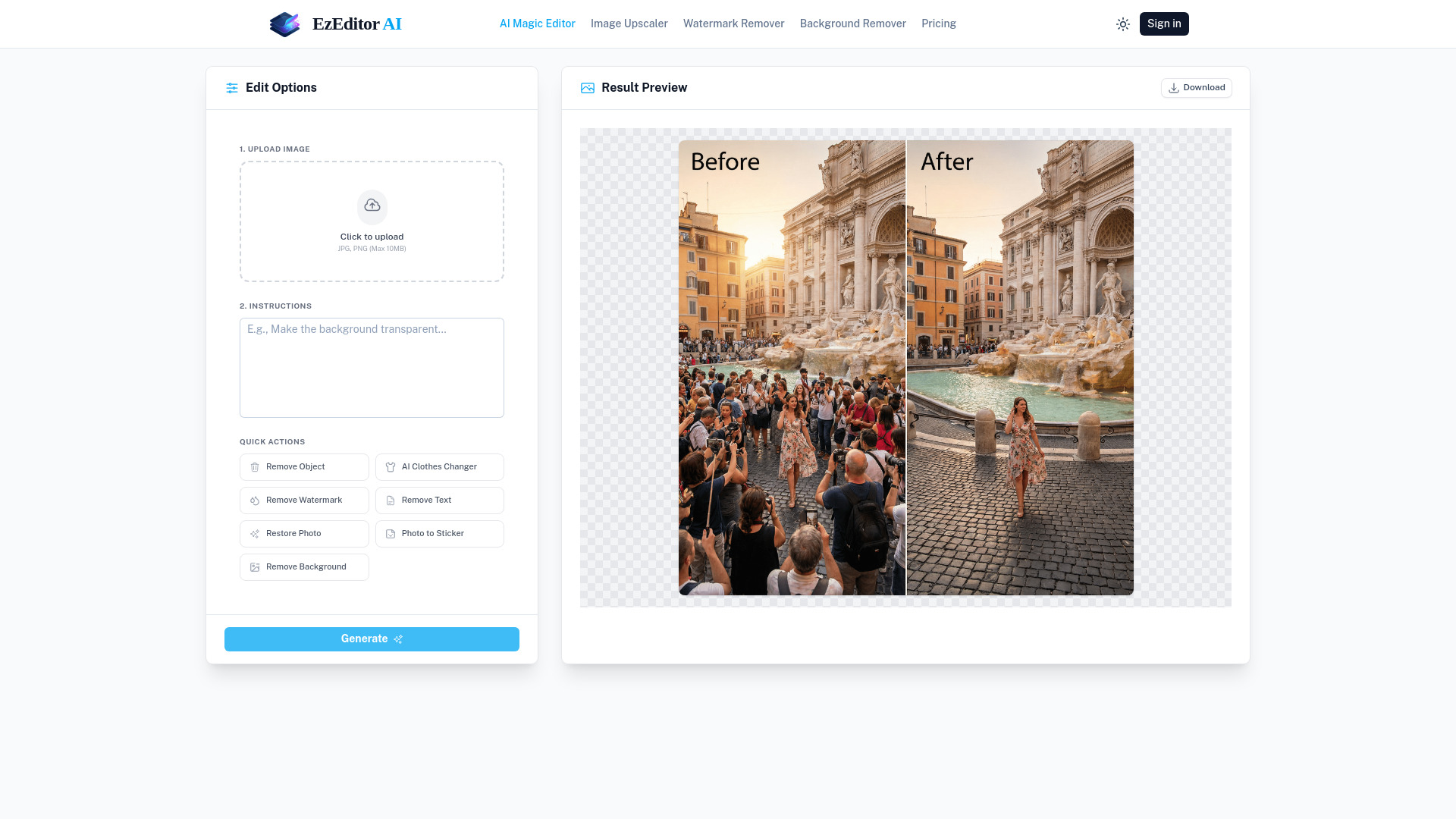

- AI photo cleanup and enhancement
- Free plan available
- Starts at Check vendor pricing
- Monthly visits: 53,627 monthly visits
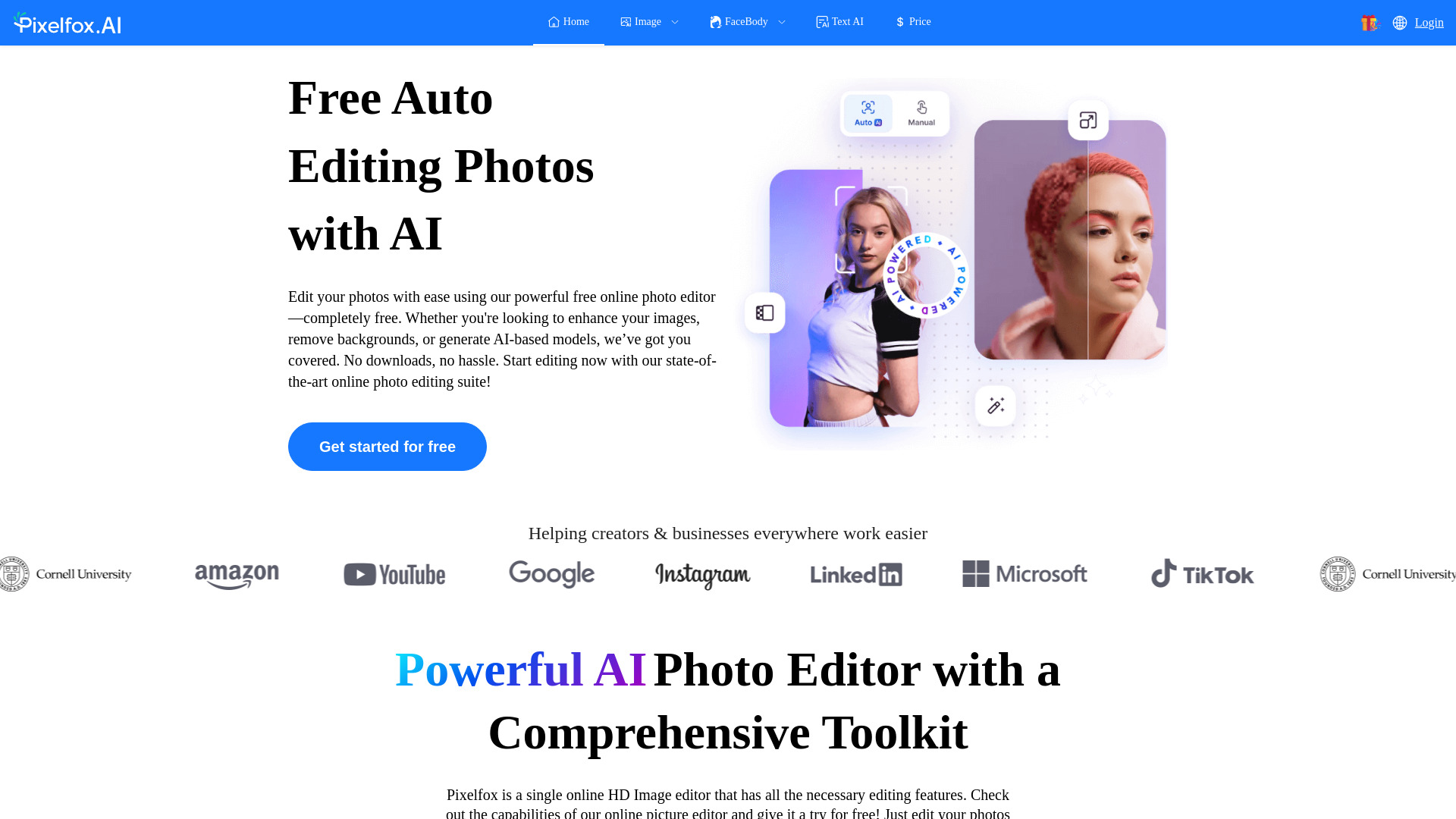

- AI object removal and blemish retouching
- Free plan available
- Starts at Check vendor pricing
- Monthly visits: 51,199 monthly visits
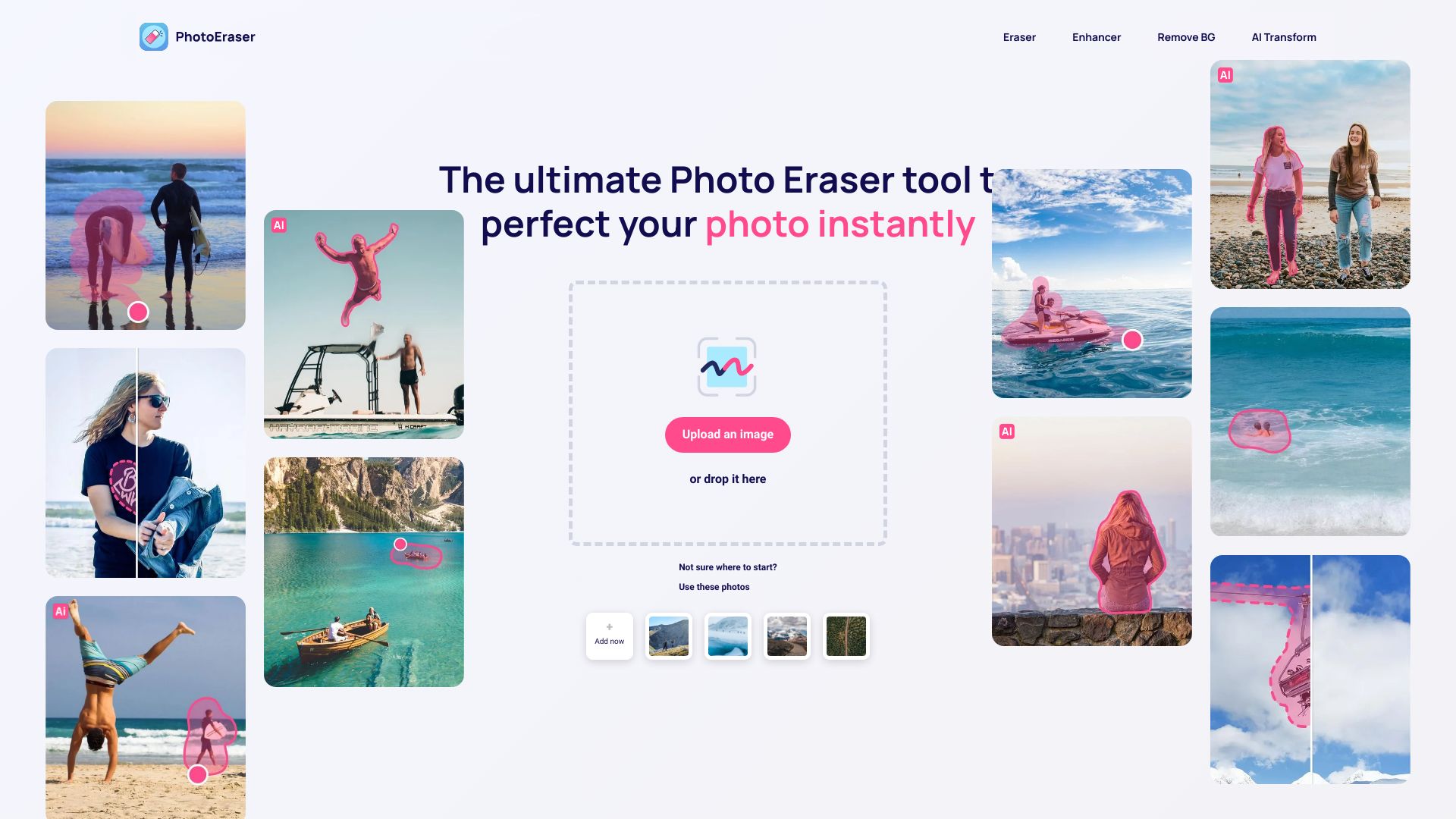
- One-click cartoon effects
- Free plan available
- Starts at From $9.99/month
- Monthly visits: 115,741 monthly visits

- Text-guided photo transformations
- Free plan available
- Starts at Check vendor pricing
- Monthly visits: 100,833 monthly visits

- Free AI image generation
- Free plan available
- Starts at Check vendor pricing
- Monthly visits: 82,467 monthly visits

- AI-powered mobile photo editing
- 7-day free trial
- Starts at Check vendor pricing
- Monthly visits: 105,932 monthly visits

- Free AI image generation and editing
- 4 credits per day
- Starts at $0/month
- Monthly visits: 45,388 monthly visits
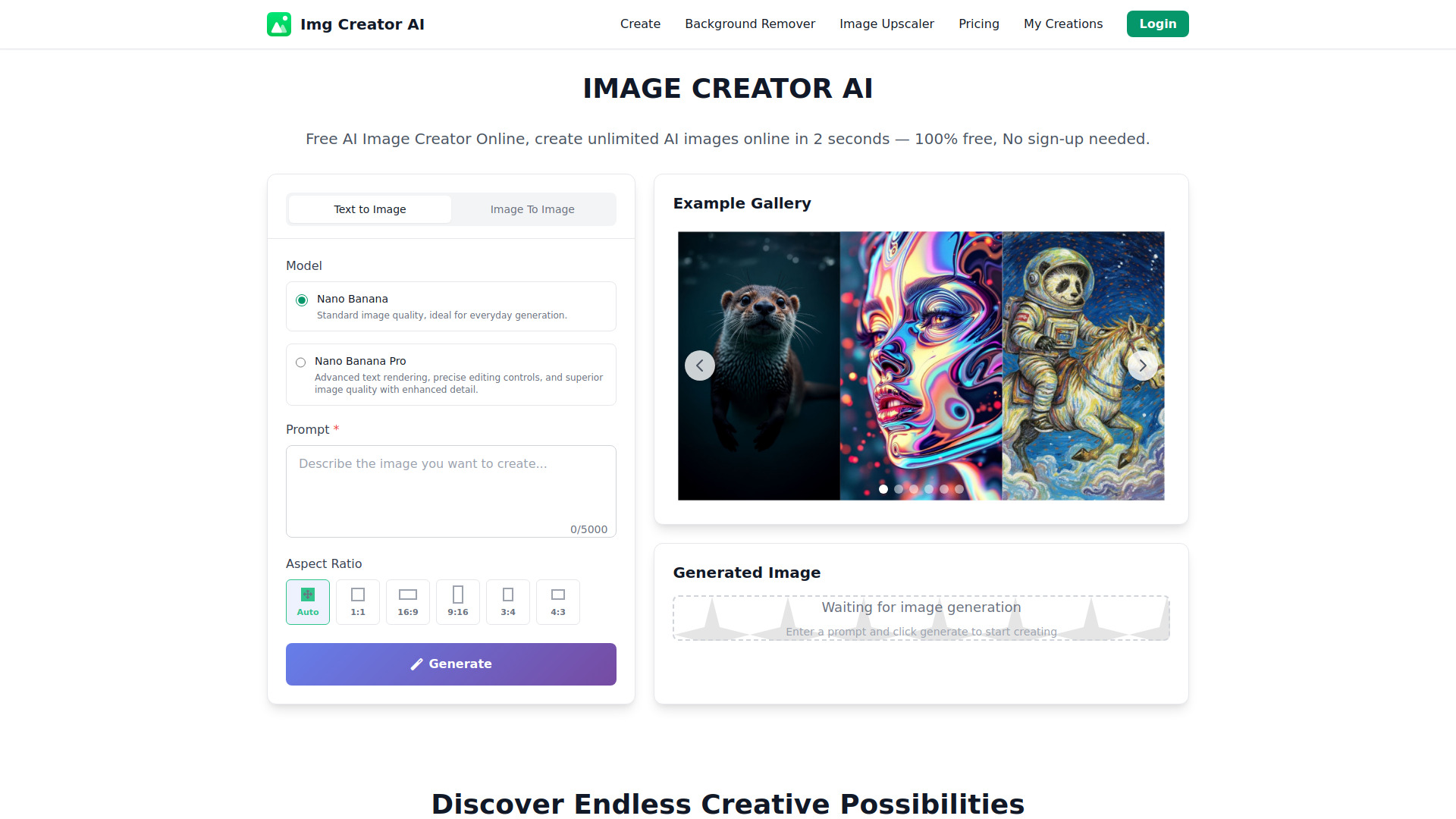

- AI photo editing and graphic design
- Free plan available
- Starts at Check vendor pricing
- Monthly visits: 82,028 monthly visits
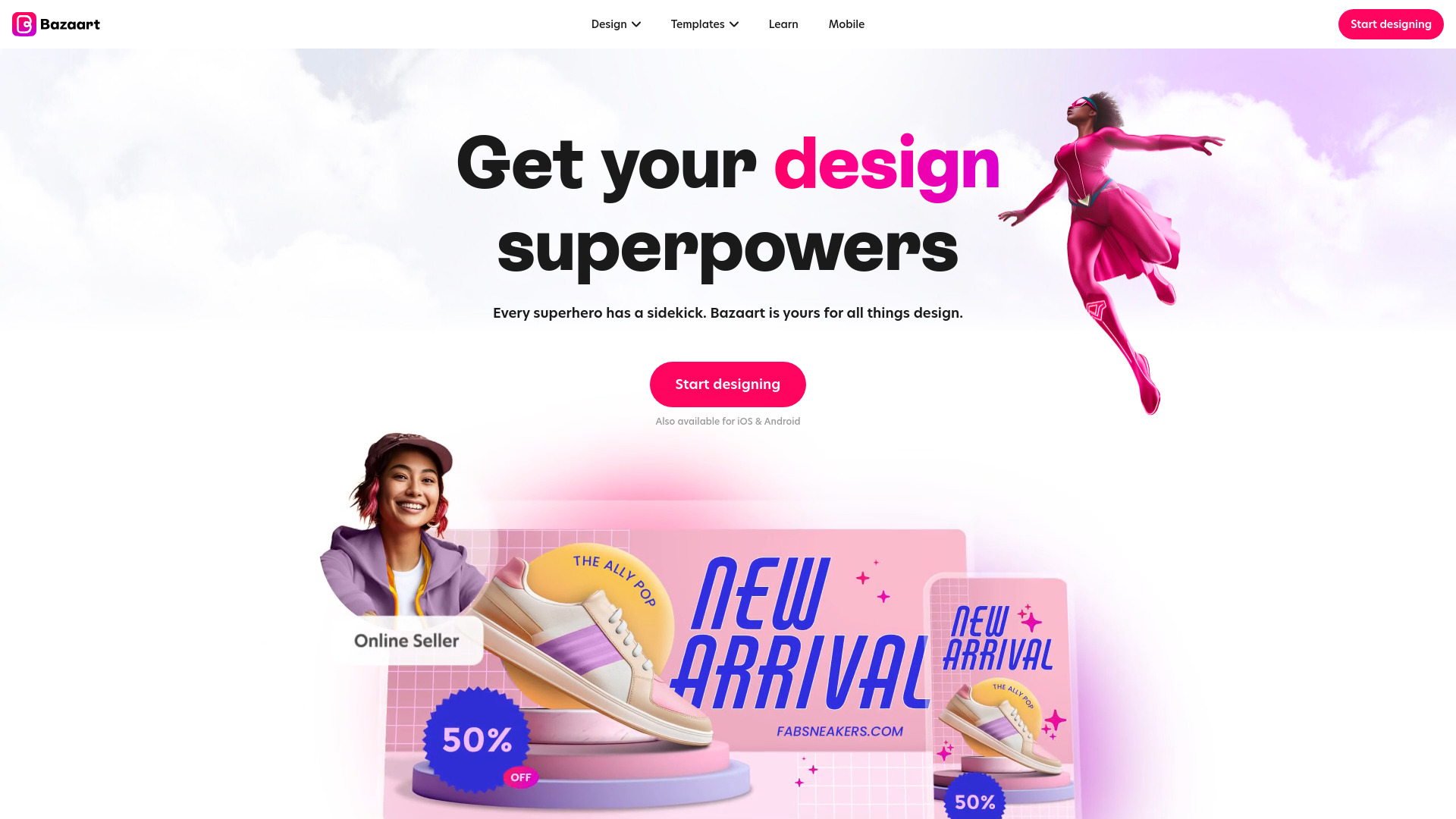

- AI photo enhancement and creative edits
- Free plan available
- Starts at $8/month
- Monthly visits: 60,001 monthly visits
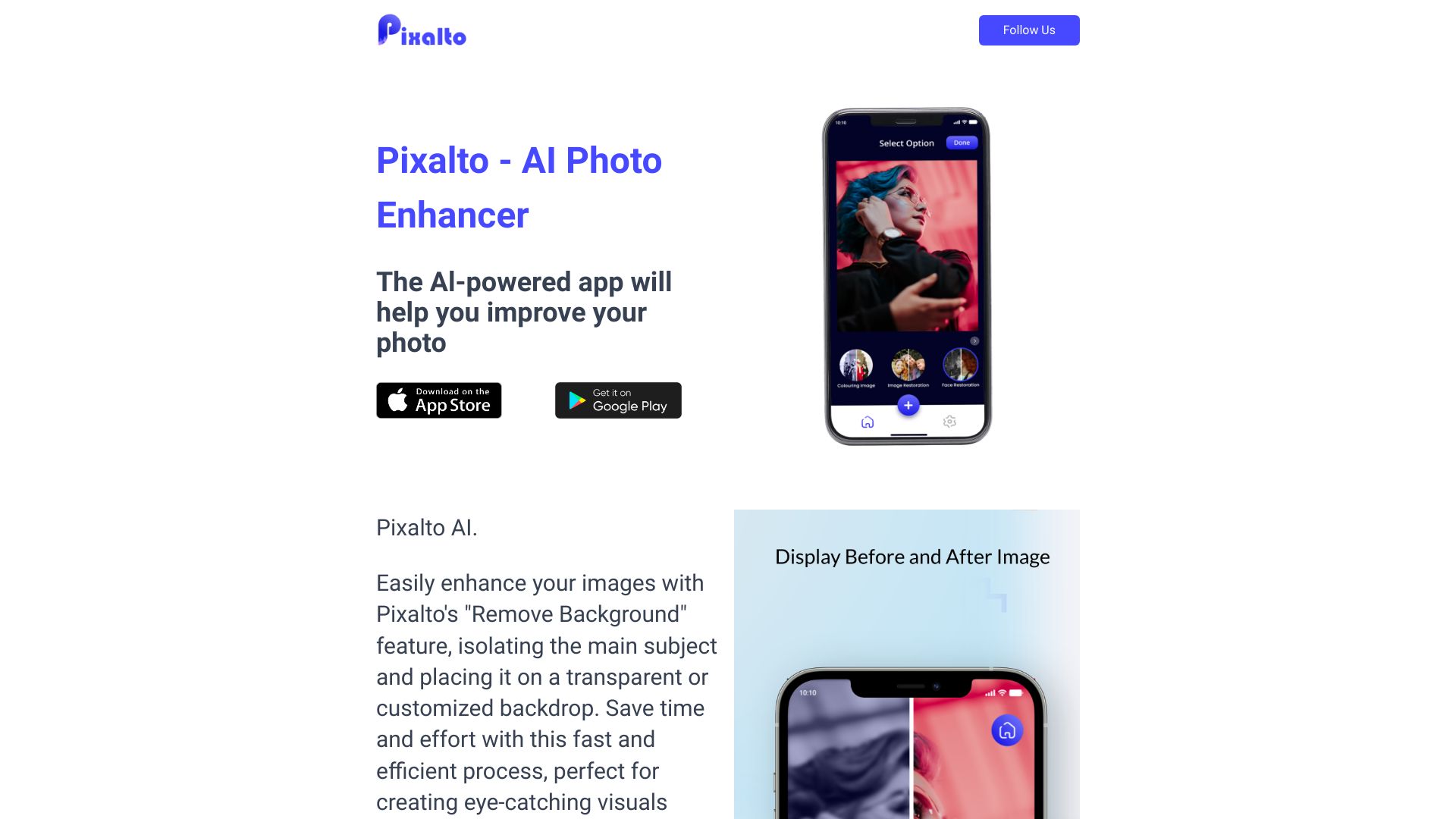

- Commercial photography retouching
- Free trial available
- Starts at From ¥299/year
- Monthly visits: 129,346 monthly visits


- Prompt-based image generation and editing
- 20 free credits
- Starts at $6.9/month
- Monthly visits: 32,209 monthly visits
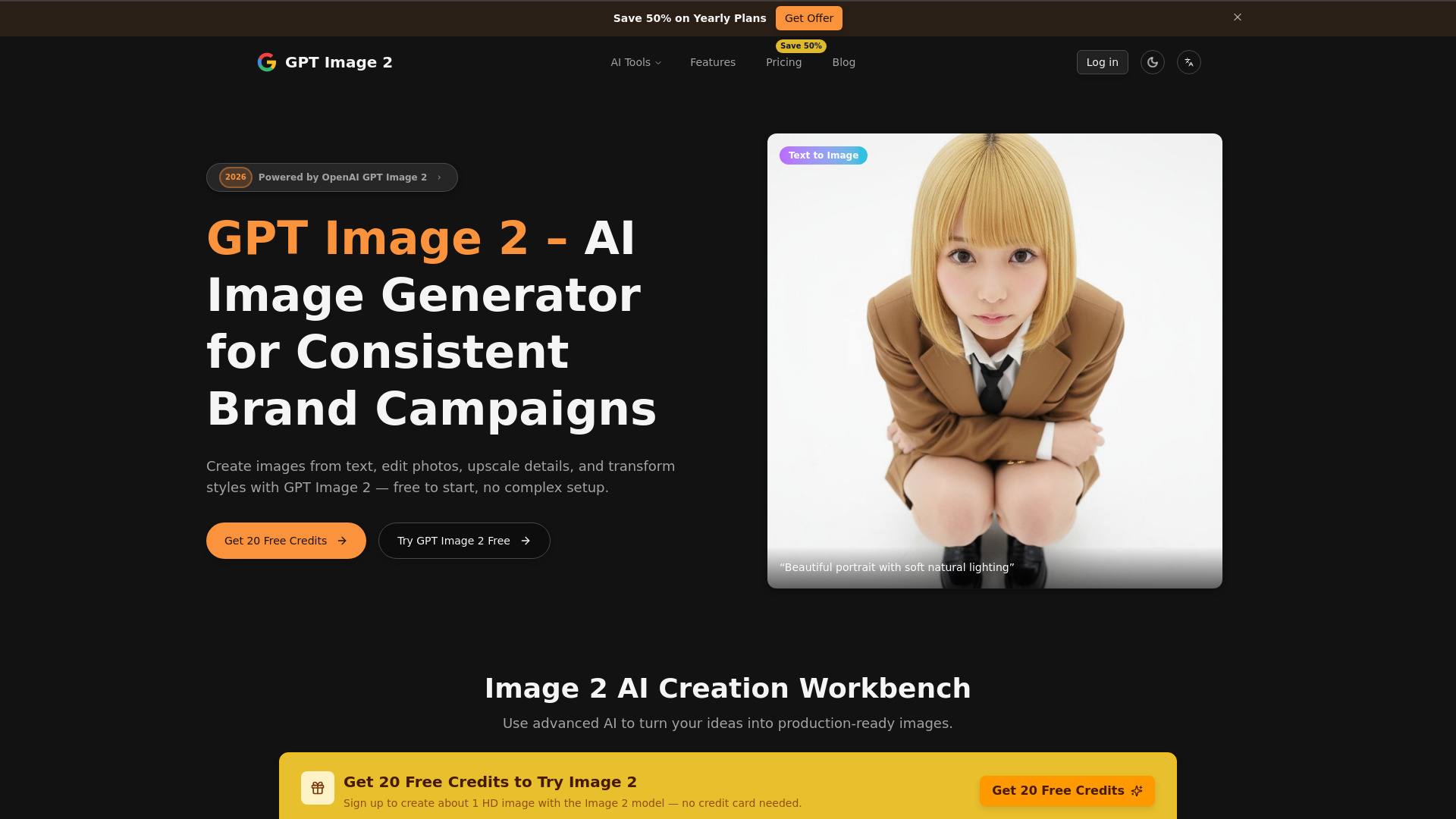

- AI object removal and image extension
- Free plan available
- Starts at Check vendor pricing
- Monthly visits: 4,915 monthly visits
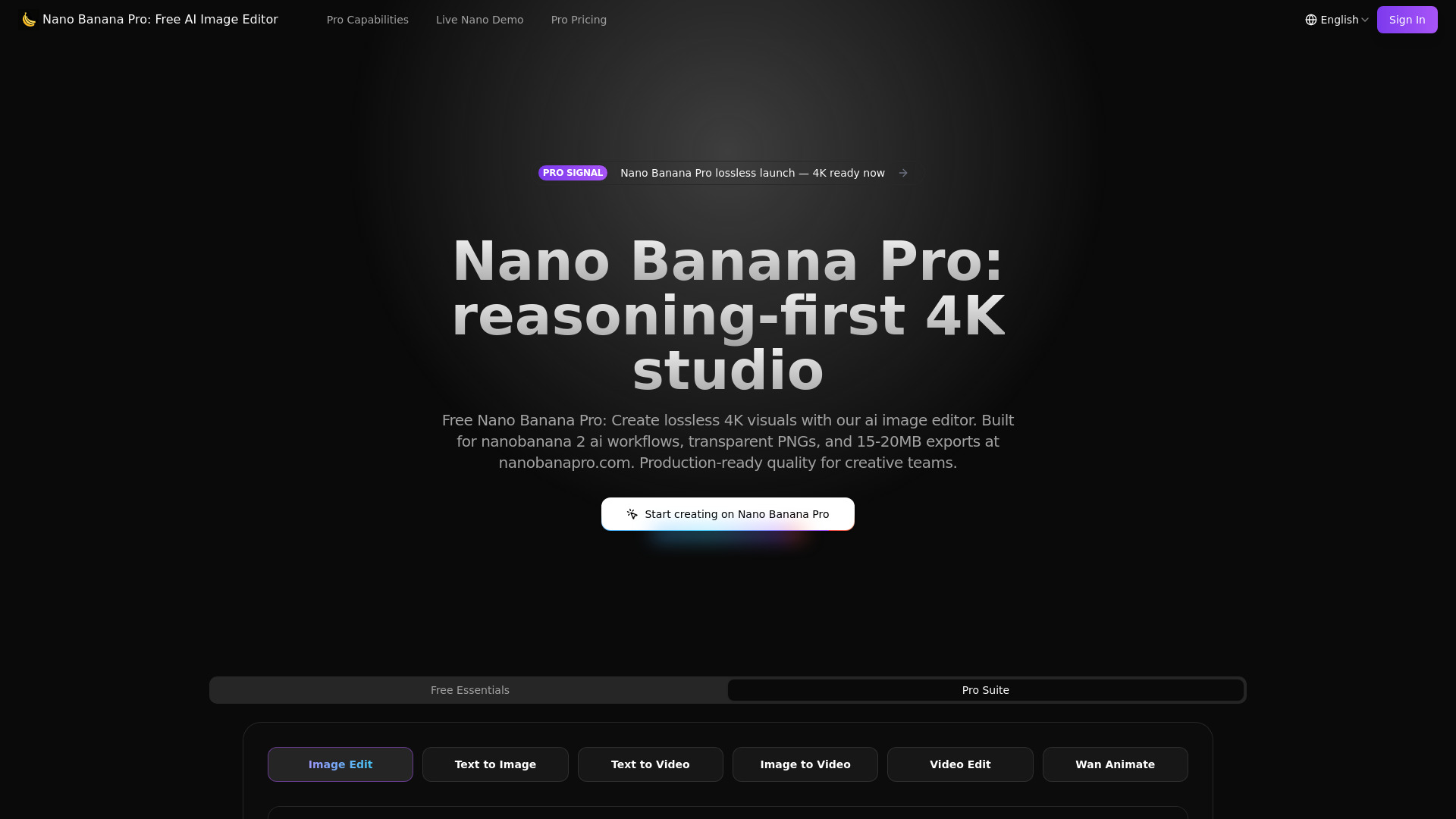
- Lossless 4K AI image editing
- Free plan available
- Starts at $9.5/month
- Monthly visits: 23,895 monthly visits

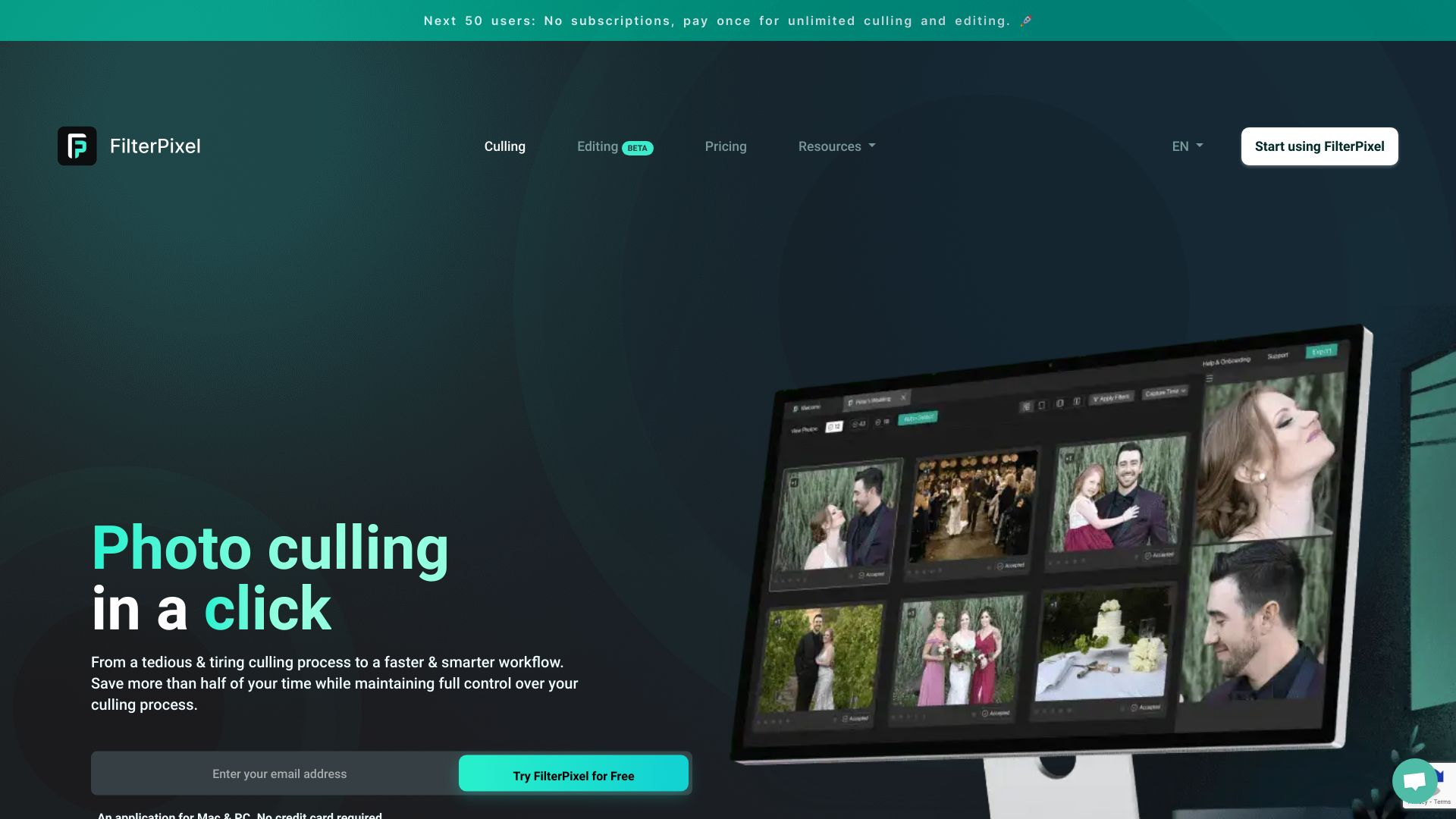
- AI photo culling and editing
- 10,000 free photos
- Starts at $360 per year
- Monthly visits: 22,891 monthly visits
- Natural-language photo editing
- 12 free credits/month
- Starts at $9.90/month
- Monthly visits: 17,117 monthly visits
- Free AI photo enhancement
- Free plan available
- Starts at Check vendor pricing
- Monthly visits: 1,882 monthly visits

- Prompt-based photo editing
- Up to 2 high-quality images
- Starts at From $8.39/month
- Monthly visits: 14,245 monthly visits

- AI photo cleanup and object removal
- Free plan available
- Starts at $9.90 one-time payment
- Monthly visits: 4,092 monthly visits

- Prompt-based photo transformations
- Free plan available
- Starts at $7.90/month
- Monthly visits: 2,155 monthly visits

- Precise AI image editing
- Free plan available
- Starts at $19.90/month
- Monthly visits: 11,805 monthly visits

- AI photo enhancement and portrait editing
- 2 free credits
- Starts at Check vendor pricing
- Monthly visits: 8,726 monthly visits

- Free AI image and video editing
- 5 free credits for first-time users
- Starts at From $7.3/mo billed annually
- Monthly visits: 7,091 monthly visits

- Fast AI image generation
- 10 credits per day
- Starts at $7/month
- Monthly visits: 154,051 monthly visits

- AI photo restoration and 4K upscaling
- Free plan available
- Starts at From $9.00
- Monthly visits: 1,796 monthly visits
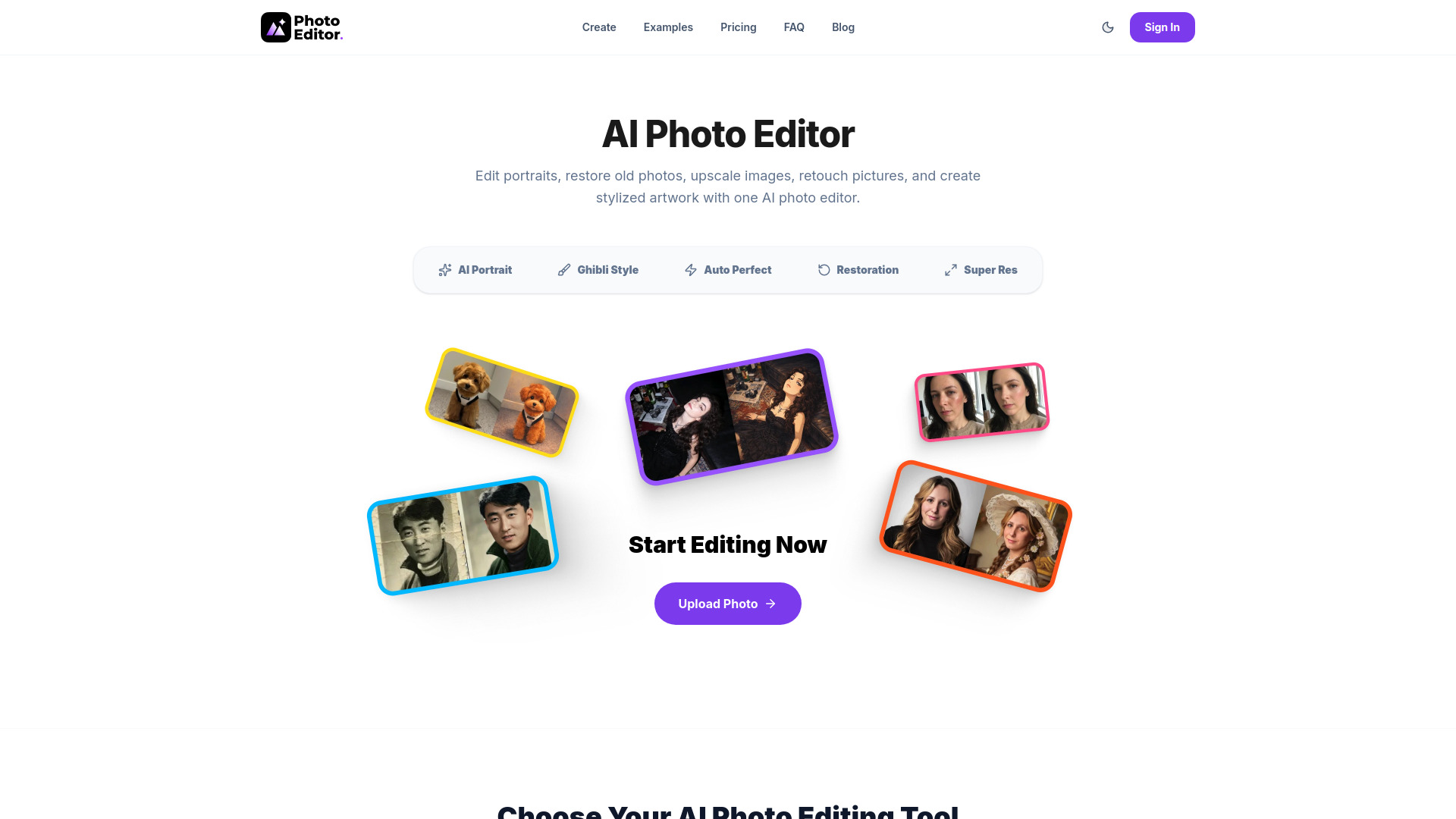
- AI photo enhancement and retouching
- 5 free edits/month
- Starts at From $19.99/month
- Monthly visits: 837 monthly visits
- AI photo editing and object removal
- 1 free image
- Starts at $9.99/month
- Monthly visits: 5,277 monthly visits
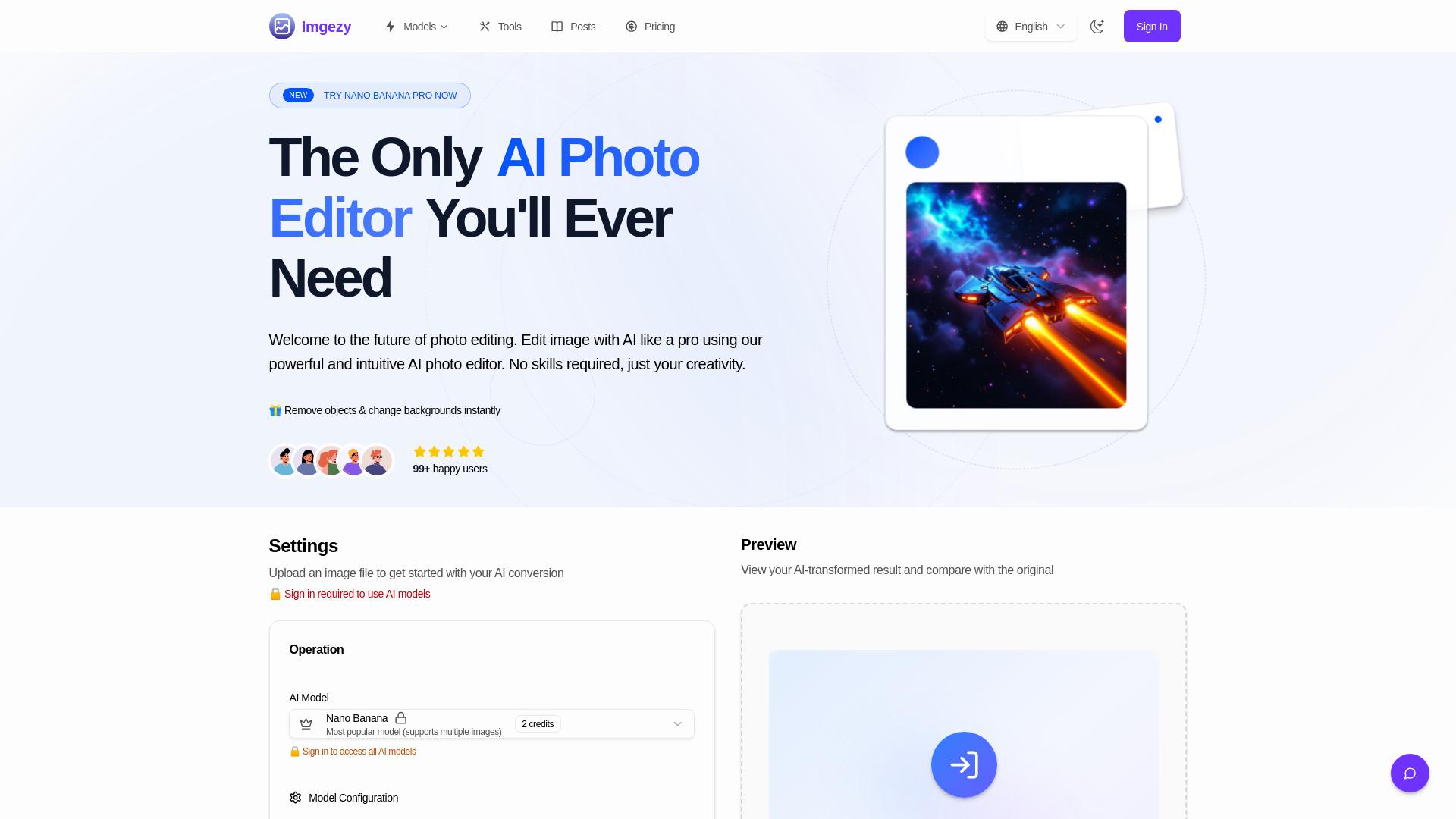

- Free custom image outlines
- Free plan available
- Starts at Check vendor pricing
- Monthly visits: 4,693 monthly visits

- AI text replacement in images
- 1 free credit
- Starts at From $9.90 one-time
- Monthly visits: 4,309 monthly visits
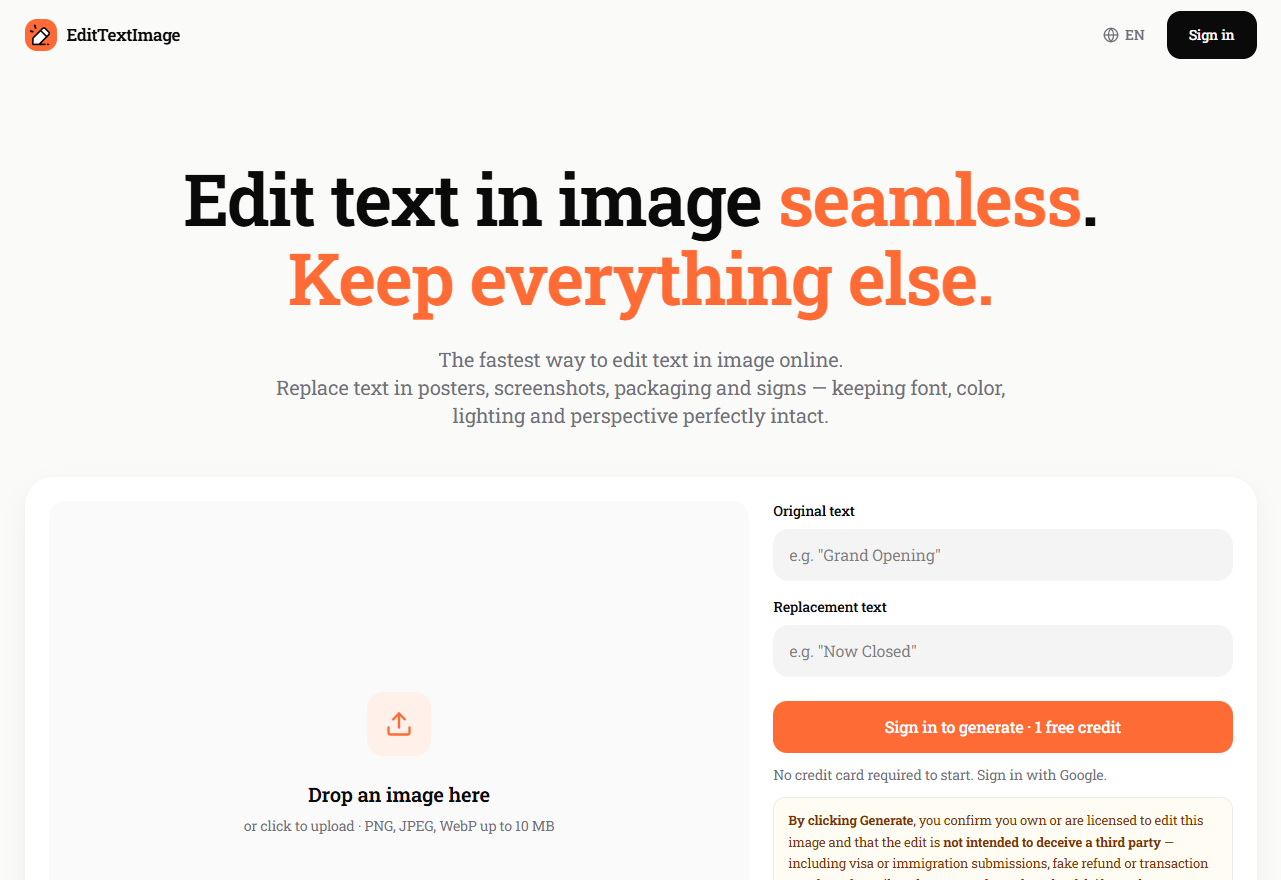
- Free AI image generation and editing
- Unlimited image generation
- Starts at Check vendor pricing
- Monthly visits: 1,622 monthly visits

- Prompt-based photo editing
- 20 free credits per day
- Starts at From $9.90 one-time
- Monthly visits: 1,724 monthly visits
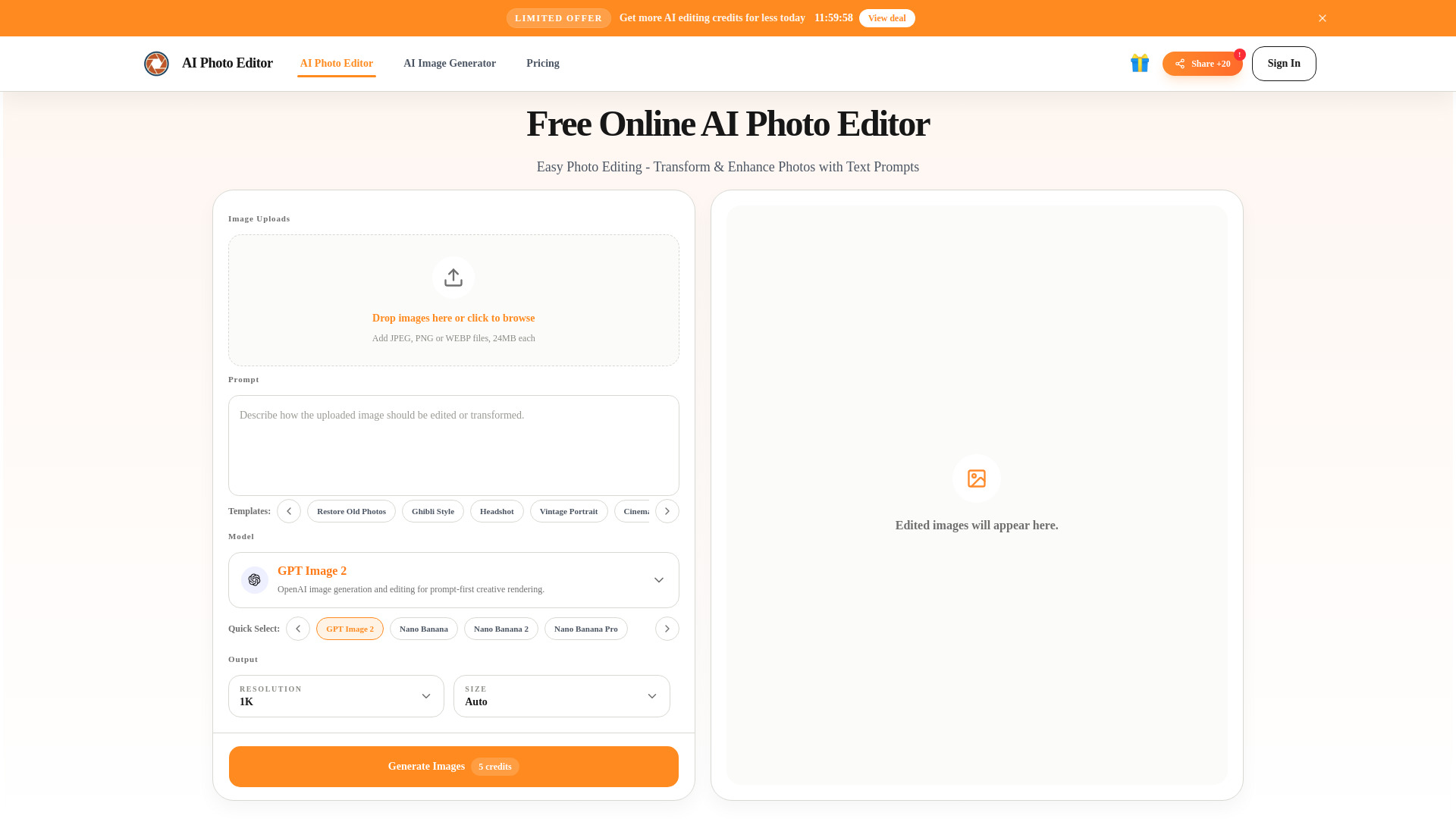

- Prompt-based photo editing
- Free plan available
- Starts at From $9.99
- Monthly visits: 870 monthly visits
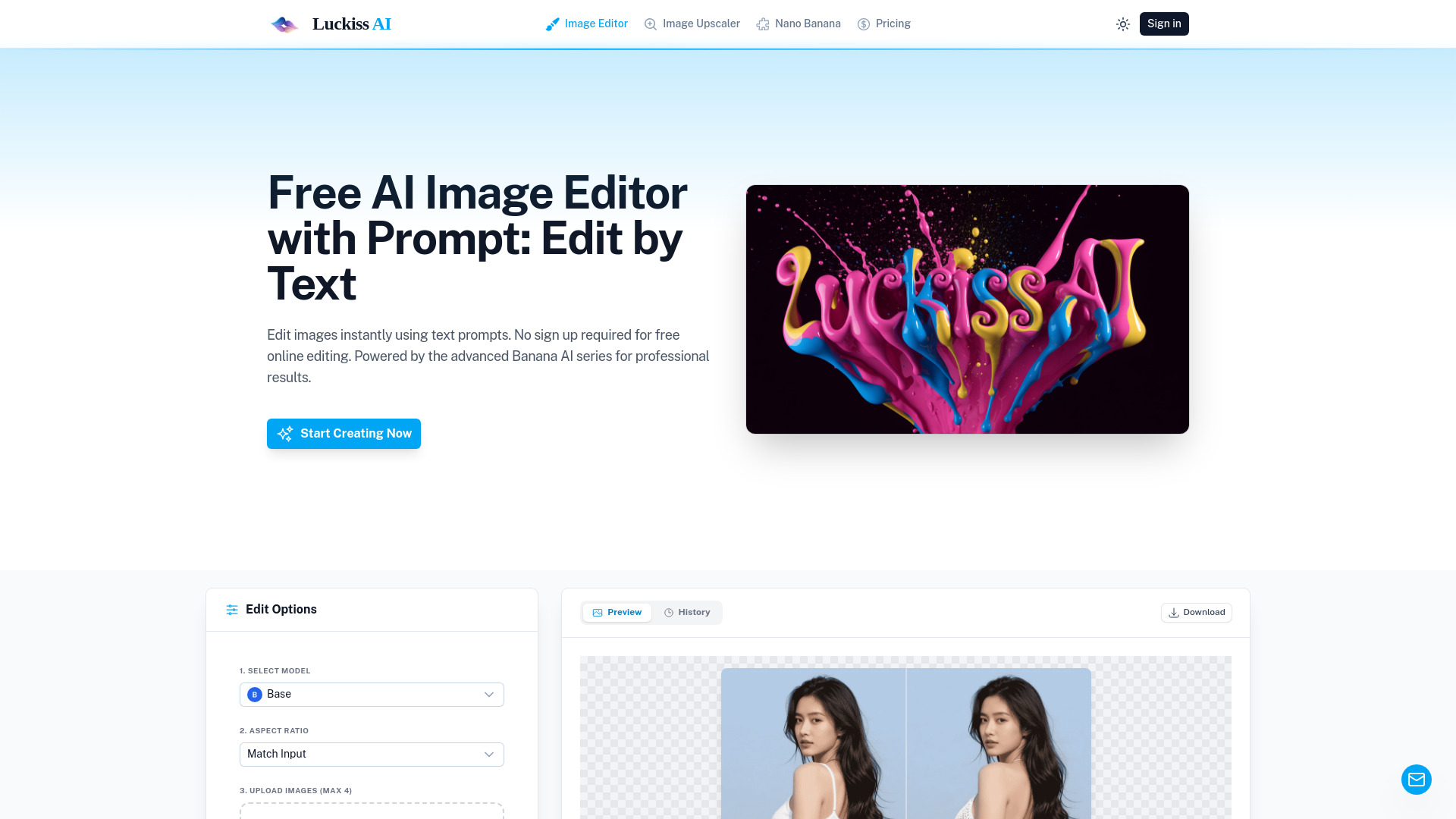
- No-signup AI image generation
- 15 free credits/day
- Starts at From $4.99
- Monthly visits: 3,524 monthly visits

- Free AI-powered photo editing and design
- 100 free AI credits
- Starts at $0/month
- Monthly visits: 902 monthly visits
- Free image outlines and stencils
- 12 free AI credits
- Starts at $0/month
- Monthly visits: 1,667 monthly visits

- Business image downloading and editing
- Free plan available
- Starts at Check vendor pricing
- Monthly visits: 1,618 monthly visits
- Free AI image enhancement
- 50 credits/day
- Starts at $4.99/month
- Monthly visits: 759 monthly visits
- AI photo editing and enhancement
- Free trial available
- Starts at From $9.9/month
- Monthly visits: 1,145 monthly visits

- Natural-language photo editing
- 50 free uses/day
- Starts at From $8/month
- Monthly visits: 312 monthly visits

- AI artists and visual creators
- 10 image generation credits/month
- Starts at $99.90/year
- Monthly visits: 764 monthly visits

- Creators seeking versatile AI image editing
- 10 free credits
- Starts at From $9.99/month
- Monthly visits: 161 monthly visits
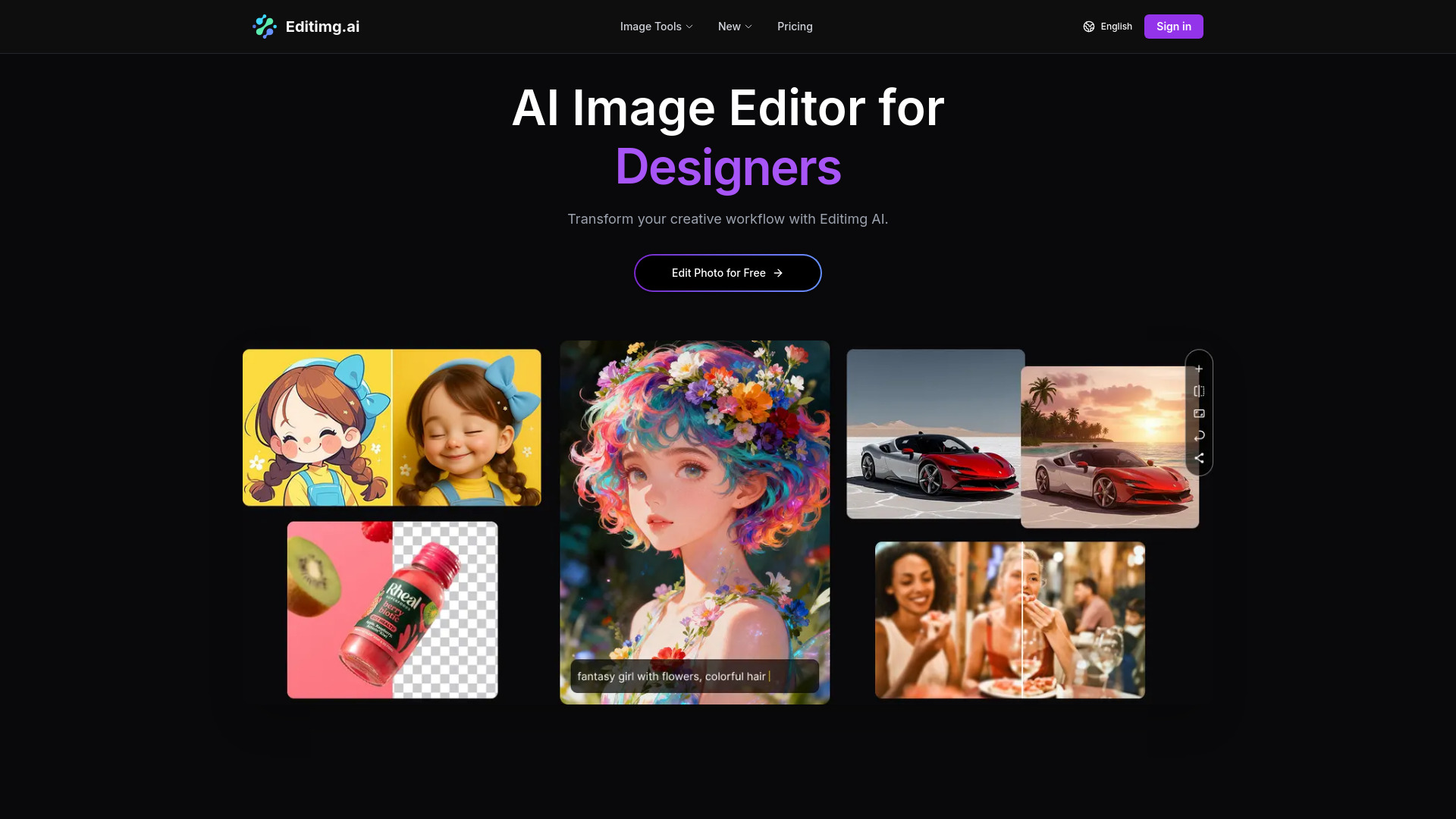

- AI photo enhancement
- Free plan available
- Starts at Check vendor pricing
- Monthly visits: 373 monthly visits
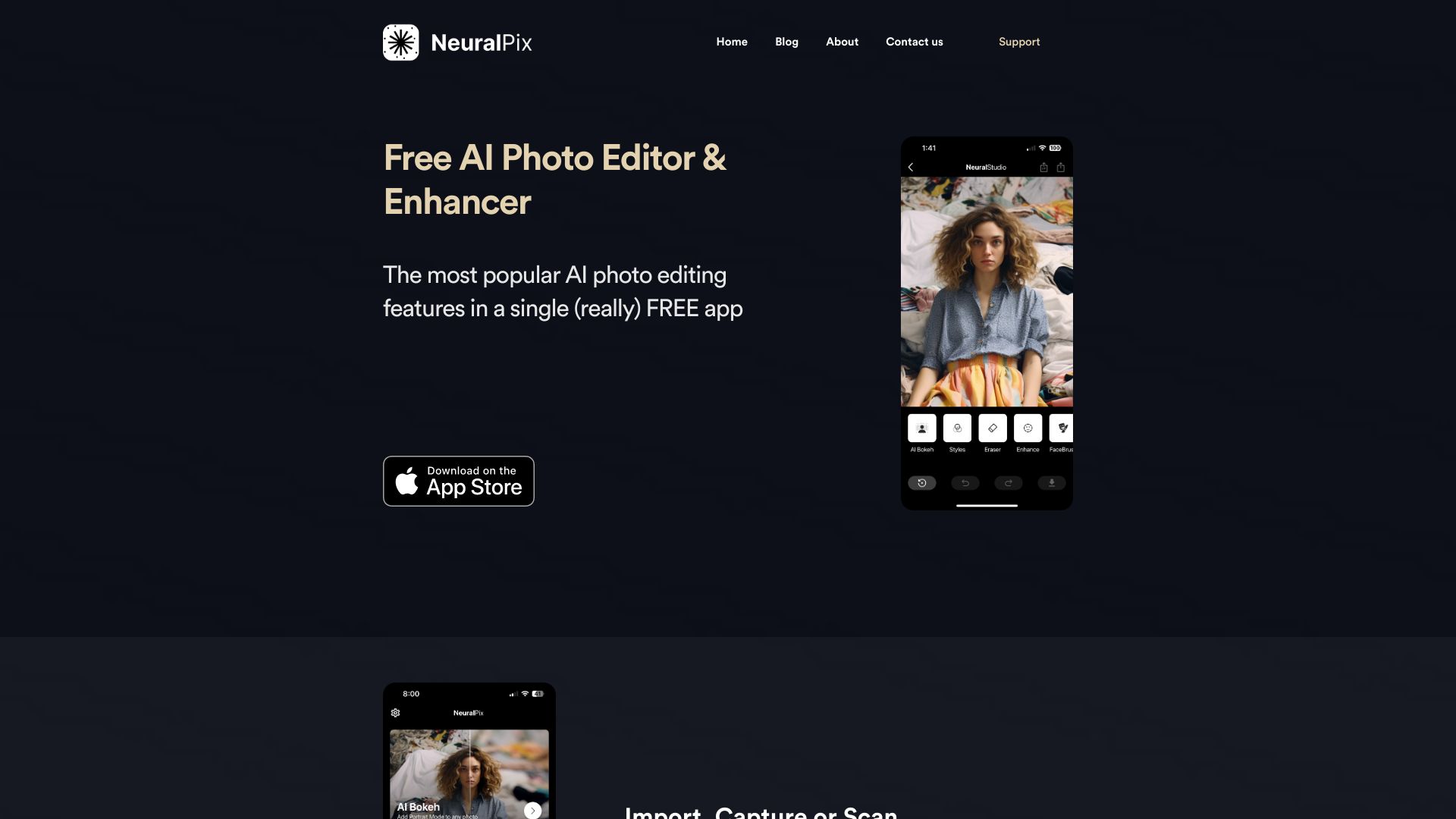
- AI photo stylization
- Free plan available
- Starts at $9.99/month
- Monthly visits: 337 monthly visits
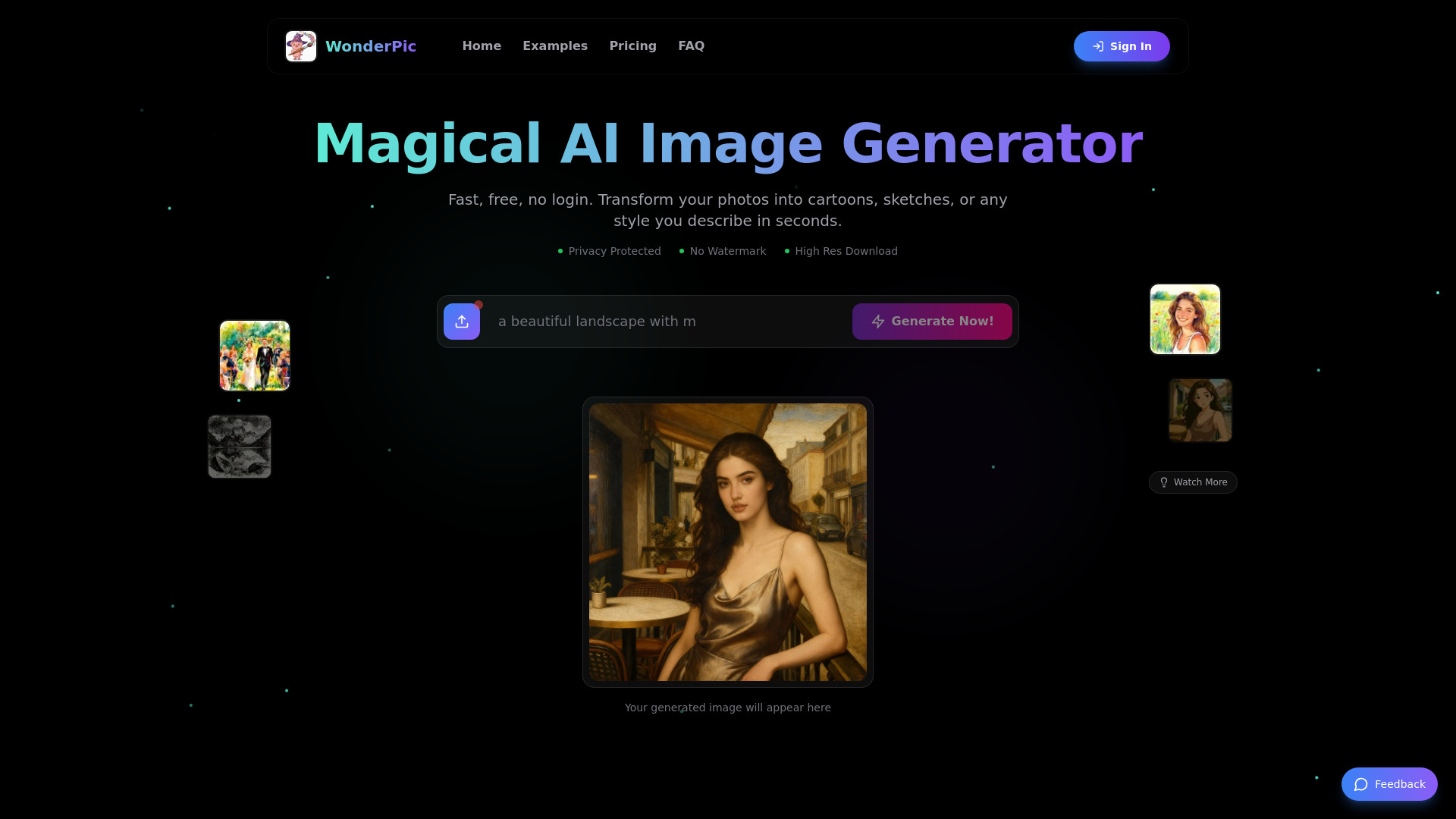

- AI photo enhancement and cleanup
- Free plan available
- Starts at $4.99/mo
- Monthly visits: 273 monthly visits

- Free PNG image downloads
- Free plan available
- Starts at Check vendor pricing
- Monthly visits: 283 monthly visits

- AI image cleanup and background edits
- Free plan available
- Starts at Check vendor pricing

- Free browser-based Photoshop alternative
- Free plan available
- Starts at Check vendor pricing

- Prompt-based image editing
- 5 free credits/day
- Starts at Check vendor pricing

- Prompt-based photo editing
- Free plan available
- Starts at Check vendor pricing

- AI image generation and photo restoration
- Free trial available
- Starts at $9/month
- AI-powered product photo editing
- Free plan available
- Starts at Check vendor pricing

- Shopify product image cleanup
- Starts at From $5/month
- AI-powered photo editing
- Starts at Check vendor pricing

- Free photo and video editing
- Free plan available
- Starts at From $5

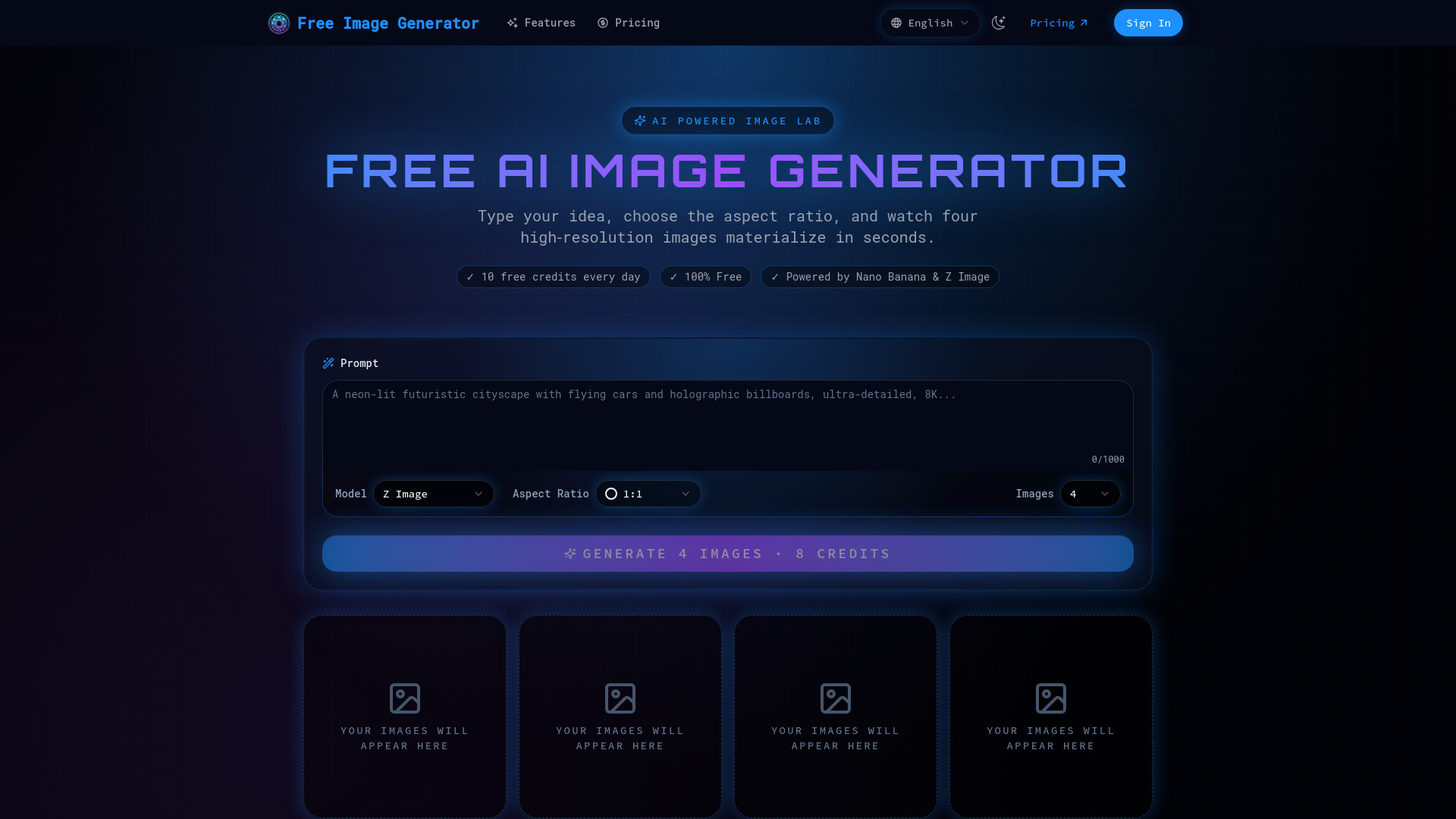
- High-volume AI image generation
- 10 free credits daily
- Starts at $20/month

- AI product image editing
- Free plan available
- Starts at Check vendor pricing
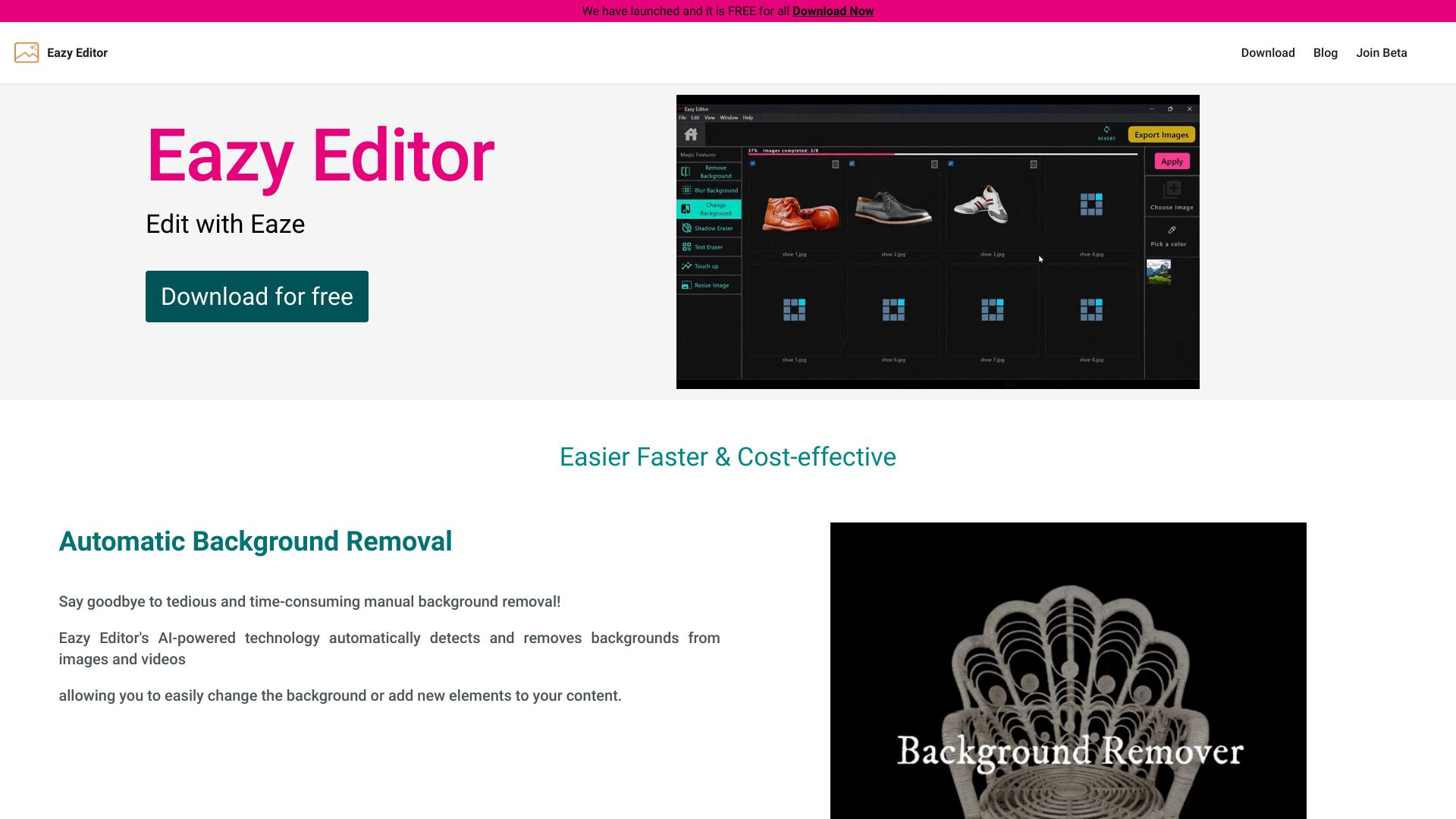

- AI photo filters and style transformations
- Free trial available
- Starts at $25/month
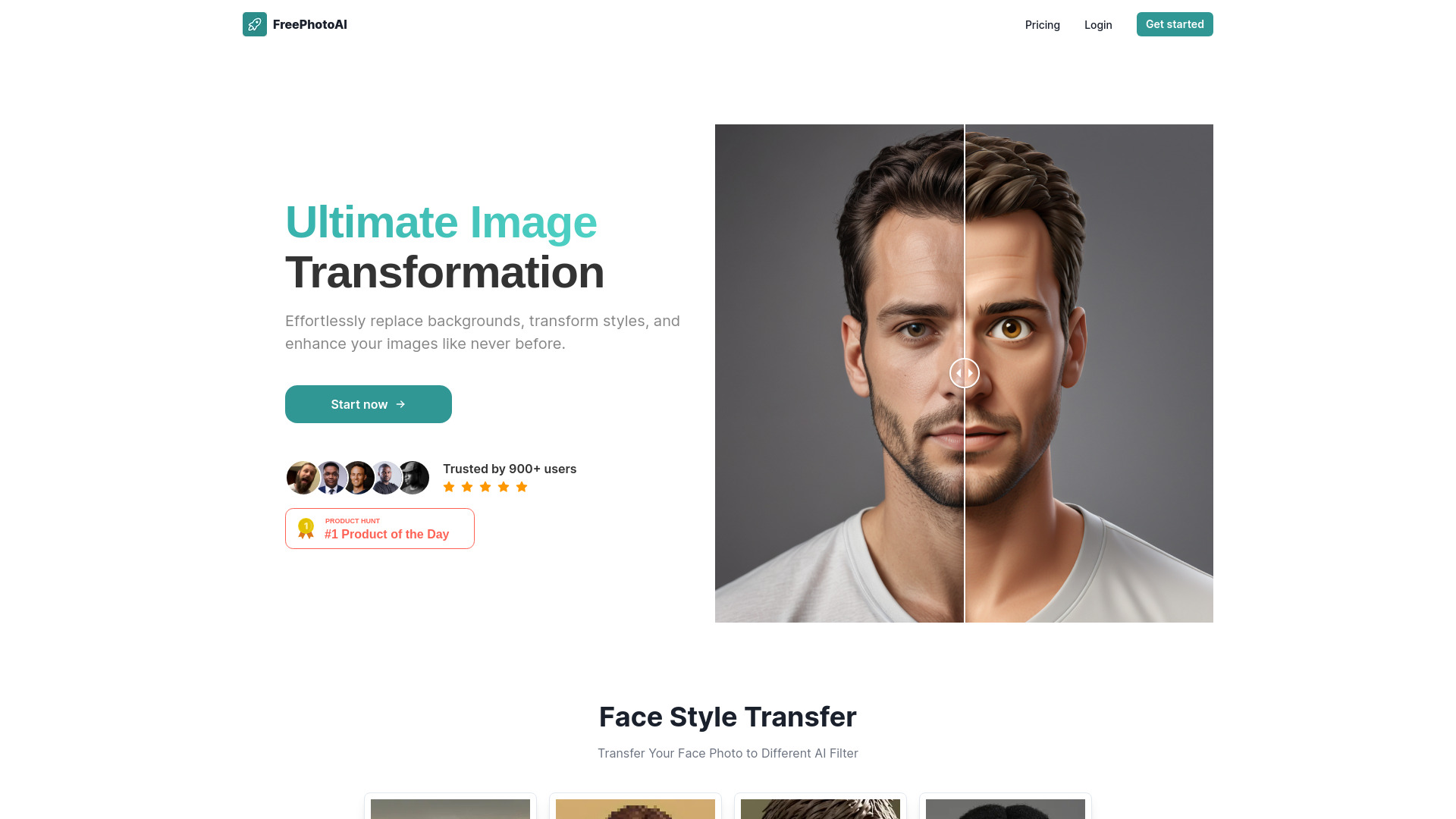

- AI image generation and editing
- Free plan available
- Starts at $7.99/month

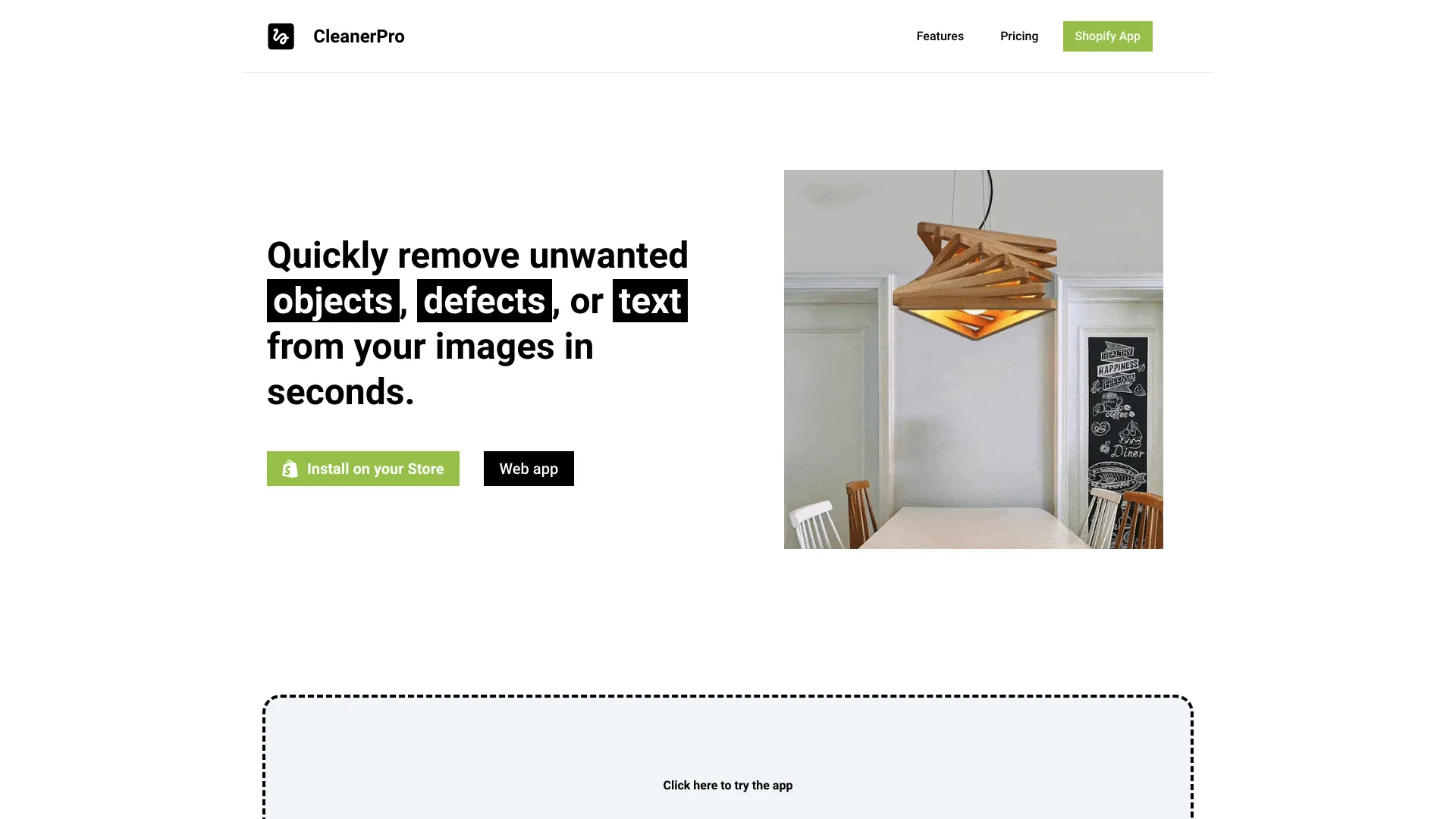
- Removing objects, people, and text
- Free plan available
- Starts at Check vendor pricing
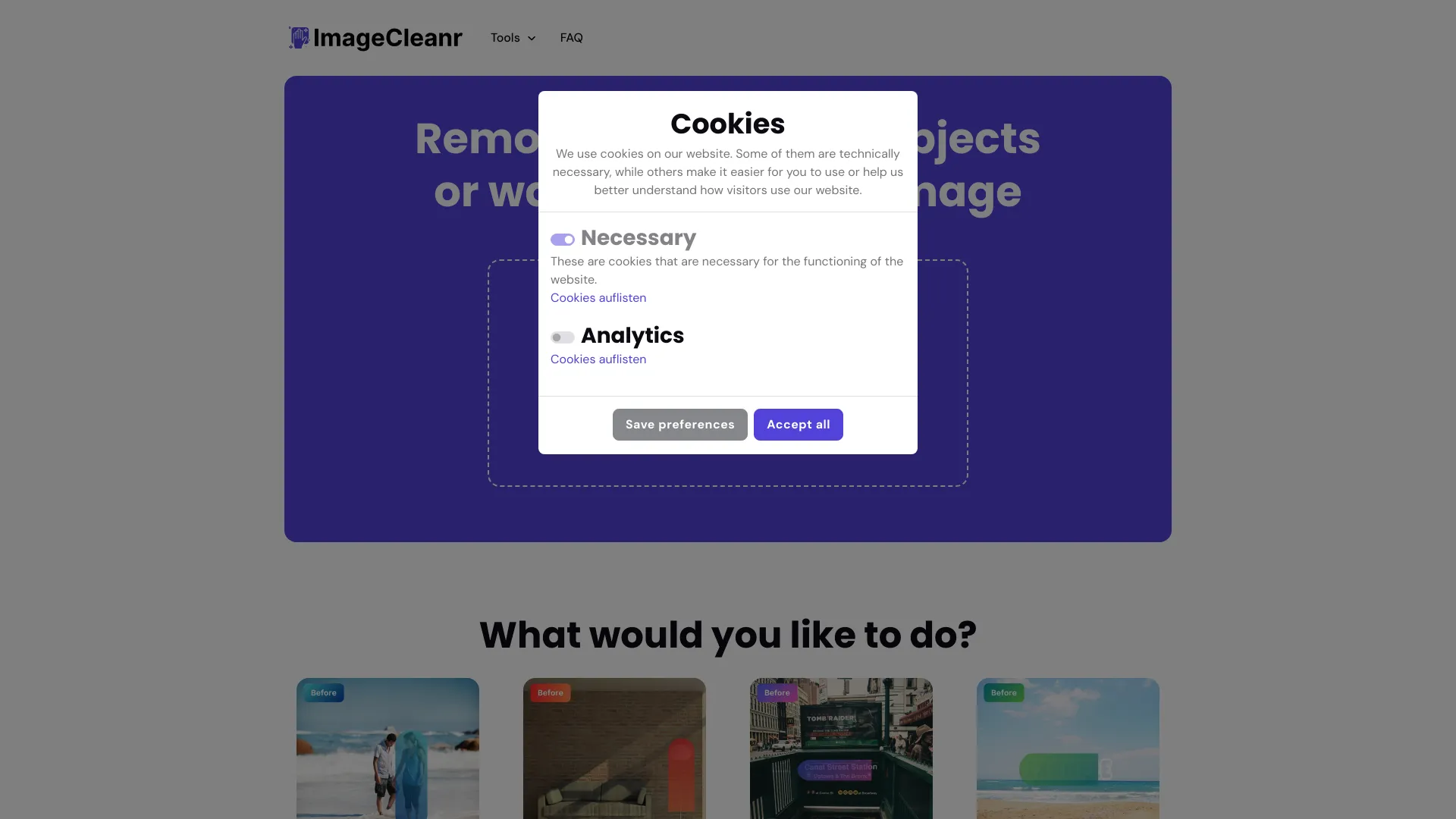

- AI photo enhancement
- 3 free credits
- Starts at $9/month

- Free AI image editing
- Free plan available
- Starts at Check vendor pricing

- AI image editing and generation
- 1 task/day
- Starts at From $26.90/month
- AI image generation and photo editing
- Free trial available
- Starts at $4.9/month

- Prompt-based image creation and editing
- 20 free credits
- Starts at $5.99/month

- Free AI image generation
- Free plan available
- Starts at Check vendor pricing

- AI photo object removal
- Free plan available
- Starts at Check vendor pricing
- AI image upscaling and restoration
- Free plan available
- Starts at Check vendor pricing

- Organizing visual inspiration
- Starts at Check vendor pricing
- Free AI photo editing
- Free for images up to 720px
- Starts at Check vendor pricing

- AI photo editing and image creation
- 20 credits/month
- Starts at $0/month
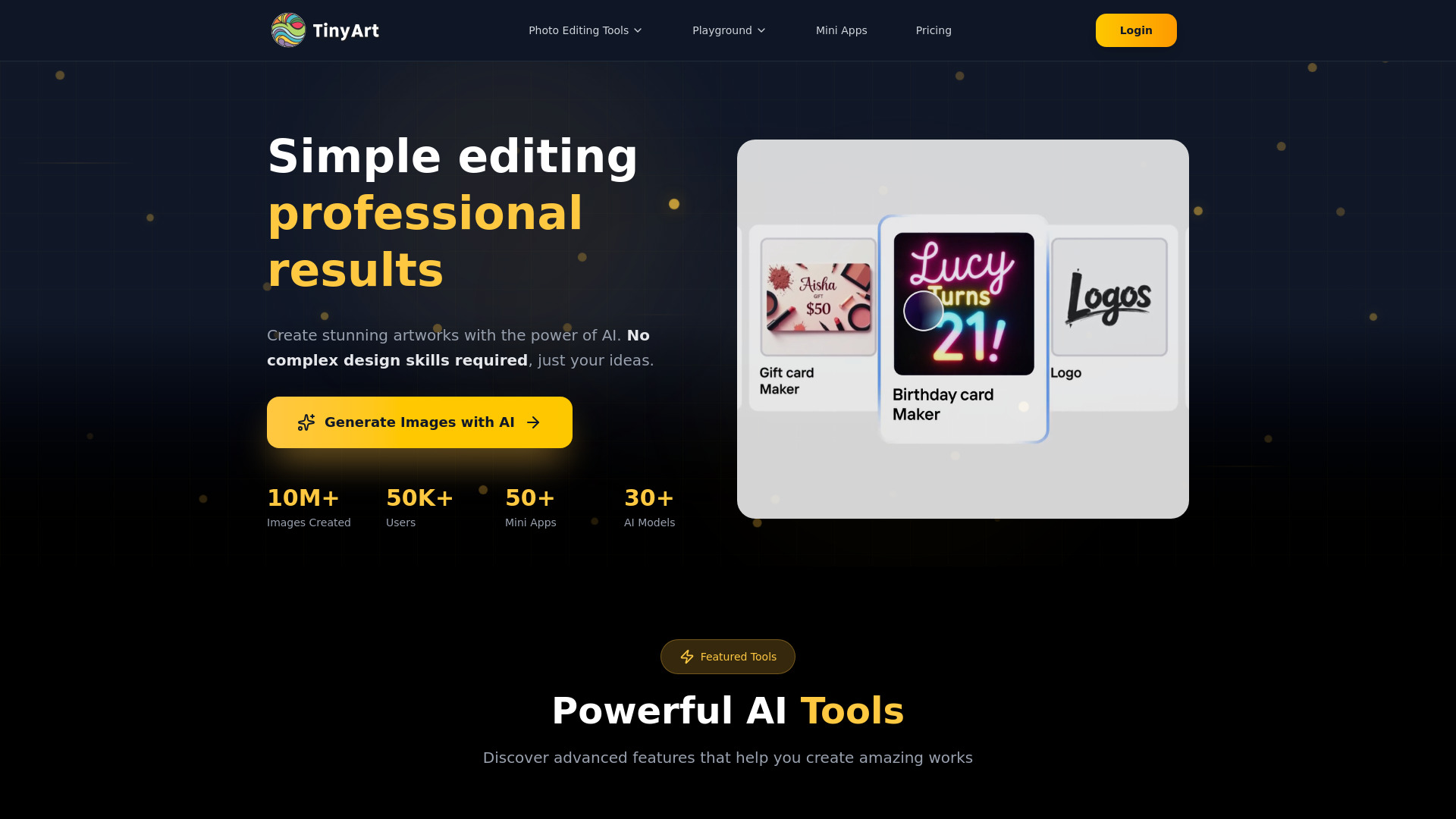

- AI photo enhancement
- Starts at $10/month
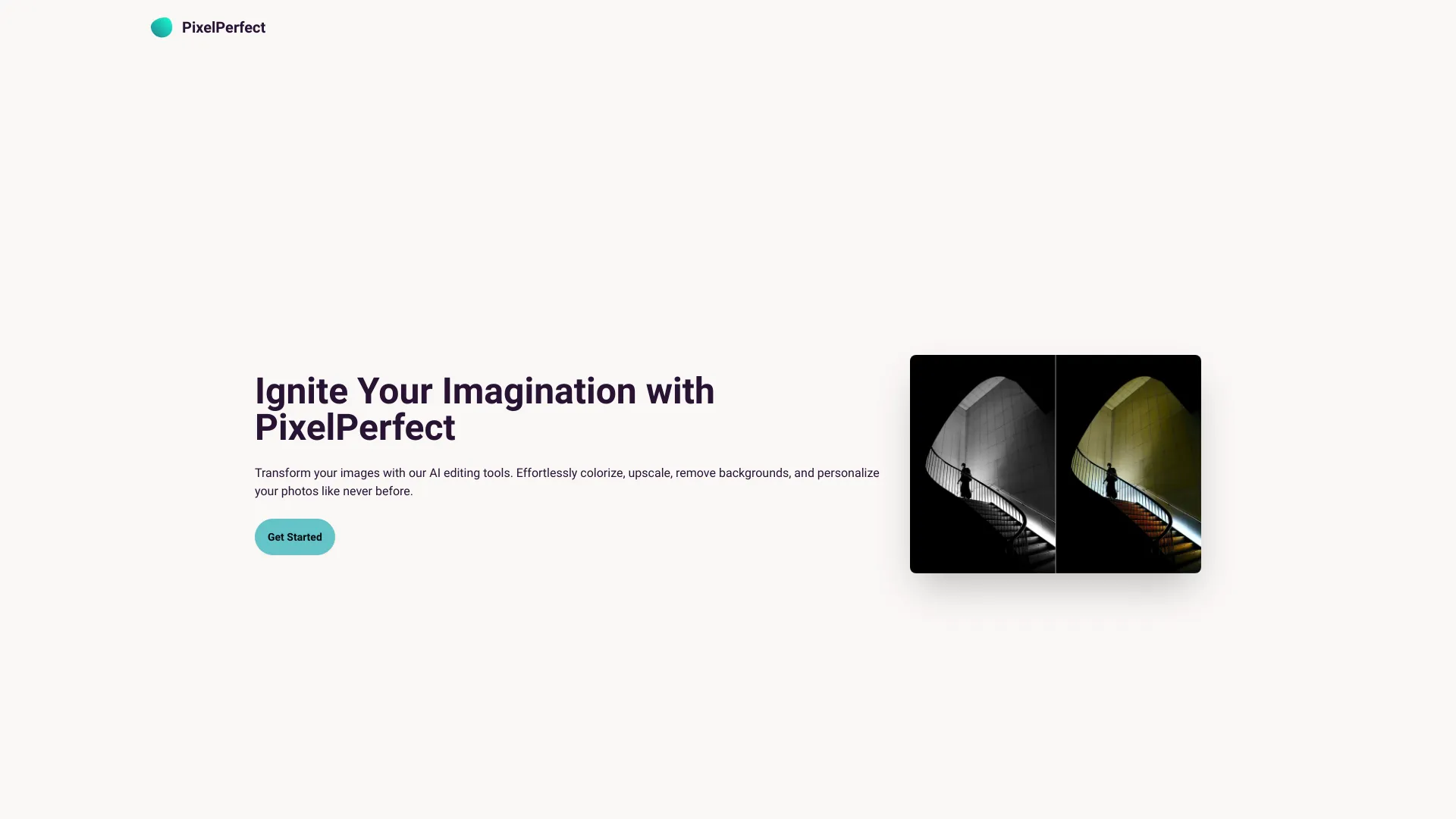

- Localized AI photo edits
- Unlimited free edits
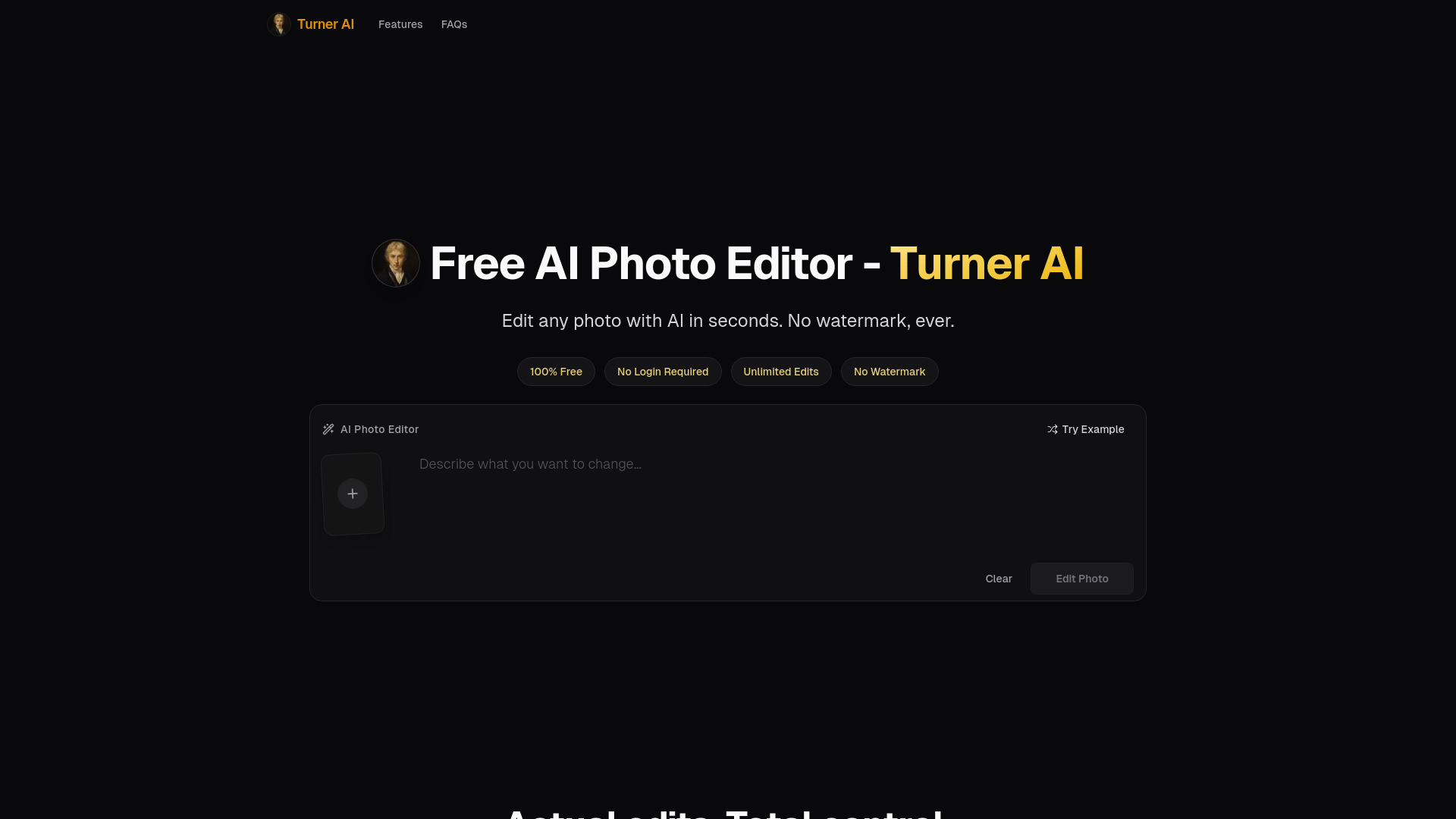
- Starts at Check vendor pricing
Which image editor should you try first?
Choose Pixlr for the safest general starting point, Fotor for a broad AI editing toolbox, or EzRemove when transparent-background output is the only requirement. Ecommerce teams should test PicWish and insMind side by side, while social teams will get more immediate value from PhotoGrid, Pixelied, or BeFunky.
The right top free image editor is ultimately the one whose free allowance matches your volume. A generous feature list is less useful if exports, credits, or HD downloads stop you before the job is finished.
What to test before choosing
Upload the same representative images to two or three finalists. Check edge quality around hair and product contours, the number of clicks to reach an export, whether the free tier preserves the needed quality, and how quickly credits or daily limits are consumed. Also test the workflow on the image types you edit most often, not just an easy sample.
Common mistakes when choosing an image editor
Confusing a free trial with a free plan: Airbrush Studio and insMind provide trial-based access, while other tools use free tiers, credits, or daily quotas.
Ignoring export restrictions: PicWish limits HD downloads on its free plan, and other editors may reserve some capabilities for paid plans.
Choosing breadth over workflow fit: A broad editor is not automatically better than EzRemove for a simple cutout or PhotoGrid for a collage.
Overlooking volume limits: SnapEdit uses 10 monthly credits, while PhotoGrid lists 10 AI uses and five daily product photos.
Skipping the pricing check: Fotor and BeFunky require a closer look at current vendor pricing before you commit.
Assuming every tool is language-neutral: Airbrush Studio currently supports English only.
FAQ
Pixlr is the strongest overall starting point because it combines online photo editing, AI image generation, and design tools, while still offering free and premium options.